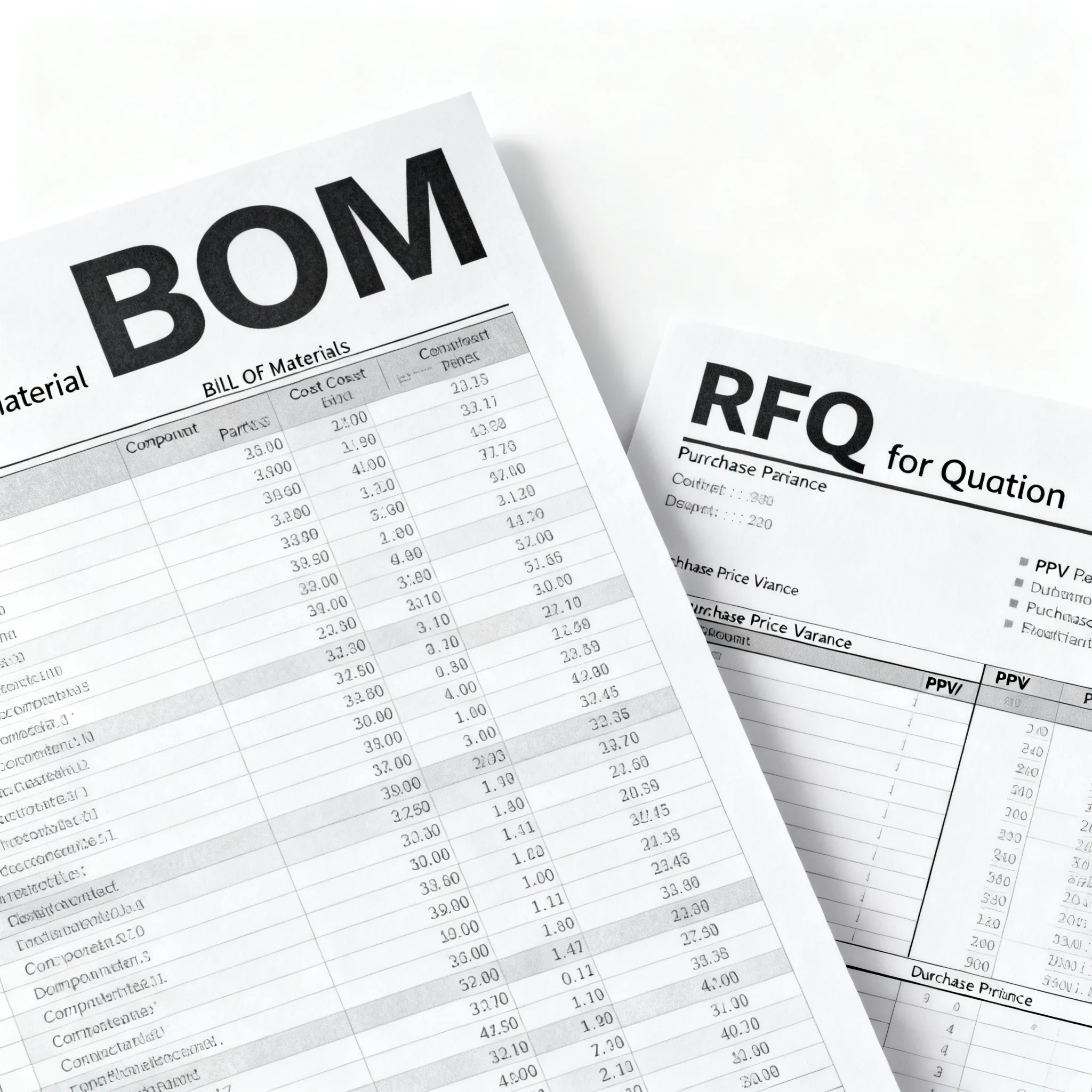
How to Request a Quote for a Mixed Electronic BOM: BOM Upload and RFQ Process
BOM and RFQ best practices for electronic component procurement. Upload your BOM or request a quote for mixed lines and flexible MOQ.
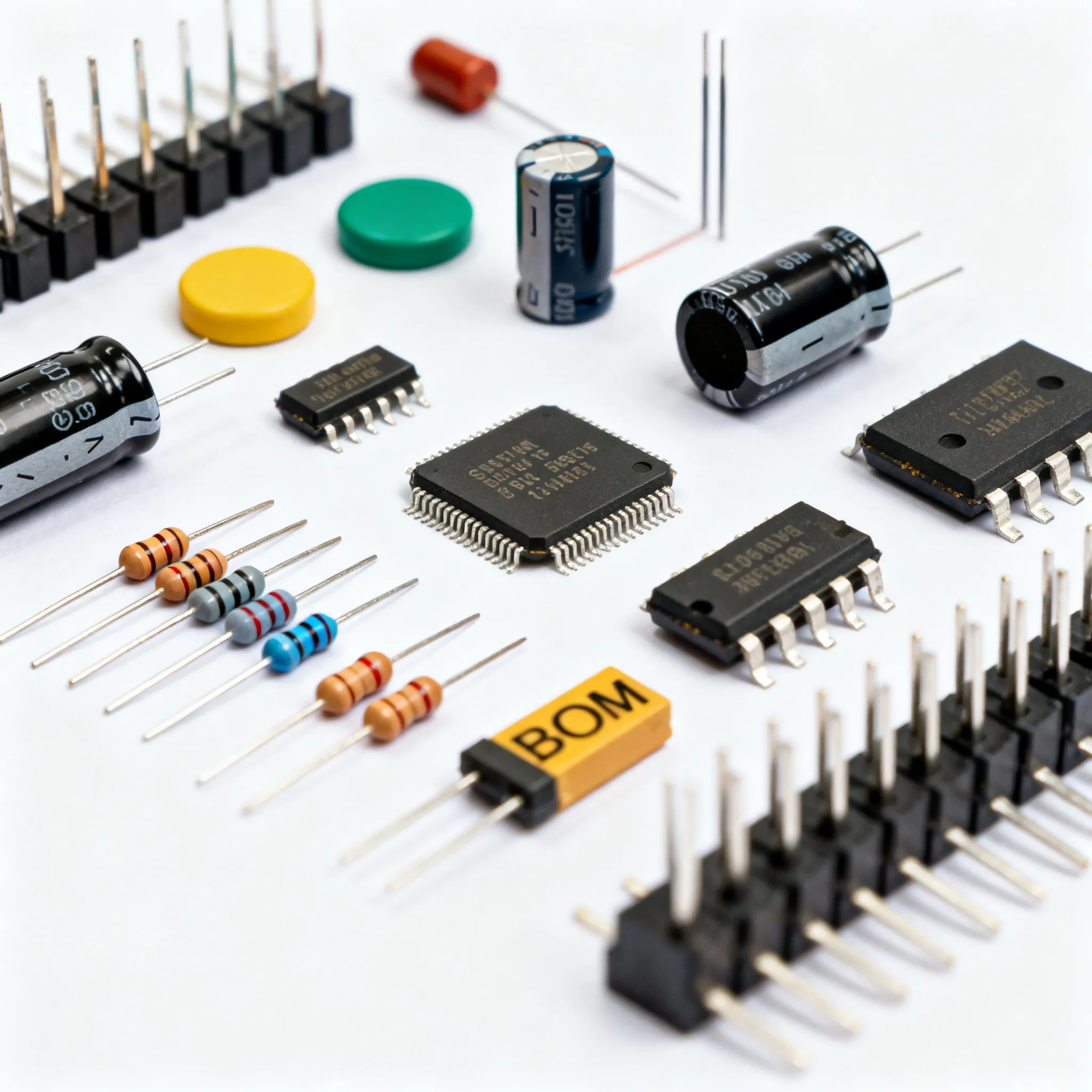
How to Request a Quote for a Mixed Electronic BOM: A Practical BOM Upload and RFQ Guide
Why a Flawed BOM RFQ Can Derail Your Electronics Program
When a mixed bill of materials lands on a contract manufacturer’s desk with incomplete part numbers, missing manufacturer names, or ambiguous descriptions, the quoting process stalls before it begins. A vague BOM inflates risk for EMS providers and OEMs alike. As VentureOutsource notes, any significant impact on a manufacturer’s profitability can cascade into missed quarterly forecasts, layoffs, or even line shutdowns (VentureOutsource). The RFQ phase is not a paperwork exercise; it is the financial gatekeeper for your electronics program.
In today’s allocation‑sensitive supply environment, buyers and engineers must treat every line item as a potential single‑source risk. A flawed BOM RFQ invites cost surprises, re‑scrub cycles, and delivery misses that can delay production by weeks. The following table lays out the key drivers of RFQ inaccuracy and how each one translates into real procurement pain.
| Driver | Mechanism | Procurement Impact |
|---|---|---|
| Incomplete or wrong manufacturer part number (MPN) | Supplier cannot match the part in its database; automated scrub returns “no match” | RFQ stalls; buyer must re‑issue the BOM; lead‑time confirmation window is lost |
| Missing manufacturer name | Multiple sources exist for a generic description; the EMS defaults to a higher‑cost or unknown alternate | Quote inflation or incorrect part substitution; quality risk if the alternate is not approved |
| Ambiguous or internal‑only descriptions | “CAP CER 100nF 10%” without voltage, dielectric, or package size forces supplier guesswork | Botched assembly; re‑sourcing after first article failure; potential re‑spin |
| No approved alternates listed | Allocation‑constrained parts are quoted as no‑bid or with a long‑lead assumption that kills the program timeline | Single‑source exposure; buyer must scramble to find substitutes after quote is already in negotiation |
| Unverified lifecycle status | NRND or EOL parts are treated as active; quote includes parts that will be unavailable at production ramp | Last‑time buy cost shock; forced redesign mid‑project |
| Missing packaging and kitting details | EMS quotes reel‑to‑reel, but the operator needs cut‑tape for prototypes; MOQ mismatches surface late | Additional line‑item charges; change‑order friction; kitting delays |
These drivers are not hypothetical. An OEM that sends a BOM with a mix of verified MPNs, shop‑floor internal numbers, and legacy descriptions without a cross‑reference virtually guarantees a quote that must be re‑baselined. The RFQ letter that accompanies the BOM is equally critical. A structured OEM BOM RFQ letter, as the sample from VentureOutsource illustrates, helps validate program assumptions and select a suitable EMS provider for turnkey electronics (VentureOutsource). The letter should state the program volume, required delivery schedule, and any customer‑mandated documentation. When you combine a clean BOM with a clear RFQ letter, you dramatically reduce the back‑and‑forth that erodes trust and schedule.
What Actually Happens When You Upload a Mixed BOM for RFQ
An RFQ for electronics manufacturing begins with a BOM that lists part numbers, revisions, and technical specifications. As Elisa Industriq’s breakdown of the RFQ process explains, the BOM is the foundation: suppliers use it to decide whether they can quote accurately (Elisa Industriq). When you upload a mixed BOM – one that contains both commercial off‑the‑shelf components and custom or semi‑custom parts – the workflow moves through several stages: parsing, part matching, availability check, alternate suggestion, and quote generation.
Modern BOM upload services, such as the TrustCompo BOM Upload tool, ingest a spreadsheet, perform a multi‑line RFQ scrub, and flag shortages or suggested alternates. Similarly, Voltkit’s AI RFQ previews part matches, runs package verification, and estimates pricing before the RFQ is even sent. During this process, the platform or quoting team will cross‑reference each line against available supplier databases, check for life‑cycle alerts, and, if the BOM contains internal part numbers, request a mapping table. The output is a structured quote that can be compared across multiple EMS providers.
Who is affected by the choice of BOM upload method? The table below maps the segments and strategic options across the procurement workflow.
| Segment / Option | Effect | Notes |
|---|---|---|
| OEM engineering teams (manual BOM) | Spend hours cleaning Excel files; inconsistent formatting leads to misinterpretation | Common for one‑off prototypes; breaks down when line counts exceed 50 |
| Procurement buyers using a dedicated BOM upload portal | Accelerated quote cycle; automated part scrub catches missing MPNs and suggests alternates | Services like TrustCompo and IC-Online’s BOM upload accept XLS, CSV, or paste‑in formats |
| EMS quoting teams receiving AI‑assisted BOMs | Receive pre‑matched BOMs with supplier pricing and availability; can focus on assembly cost | AI tools (e.g., Voltkit, CalcuQuote) pull real‑time supplier data but still require human validation for allocation‑sensitive parts |
| Integrated supplier portals (CalcuQuote, Elisa Industriq) | Bid sheets are sent to a network of suppliers; structured responses allow side‑by‑side comparison | Requires the EMS to have portal access; suited for repeat programs with high mix |
Regardless of the tool you choose, the BOM must contain a minimum set of fields to make the upload successful. While the exact column names vary, you should always include:
- Manufacturer Part Number (MPN) – the exact, orderable identifier.
- Manufacturer Name – unambiguous, not “various” or “any”.
- Quantity – per assembly, and total program quantity if known.
- Reference Designator – comma‑separated list per line (e.g., R1,R5,R12).
- Description – brief but specific (value, tolerance, voltage, package).
- Package / Case Size – 0603, TQFP‑64, SOIC‑8, etc.
- RoHS / Lead‑free status – if required by your end market.
- Approved Alternate MPNs – helps the EMS propose substitutes without another round of approval.
When you upload a mixed BOM that carries both active and allocation‑sensitive lines, the upload service will often flag line items that need a manual review. For example, a microcontroller that is confirmed as allocation‑sensitive will be highlighted, and the system may suggest an evaluation candidate such as a GD32‑ or APM32‑class device. These candidates still require verification of package, pinout, and firmware compatibility before they can be accepted. The RFQ package should explicitly state that any alternate must be accompanied by a datasheet and, for programmable devices, a firmware test report.
Manual Email vs. BOM Upload Tools vs. AI‑Assisted RFQ: Which Fits Your Workflow?
Engineers and buyers have three distinct paths to get a mixed BOM quoted: email an Excel file to a familiar EMS, use a dedicated BOM upload service, or leverage an AI‑assisted RFQ platform that pre‑matches parts and pricing. Each path serves a different balance of speed, control, and integration.
Manual email BOM. This is the simplest starting point. You attach a spreadsheet with a cover email that lists the program name, volume, and any special instructions. The downside is that the EMS must manually scrub the BOM. If the BOM contains internal part numbers, incomplete descriptions, or legacy parts, the cycle time balloons. PCBCart’s HMLV RFQ checklist emphasizes that manual BOMs often miss revision‑matched documentation: Gerber files, assembly drawings, and test specifications must be sent separately, and if any are outdated, the quote is immediately invalid (PCBCart).
Dedicated BOM upload portals. Services like TrustCompo and the RFQ submission tool at TrustCompo RFQ Submit allow you to import an XLS file, paste BOM lines, or type part numbers directly. The platform automates the first scrub, identifies lines that need attention, and sends the cleaned BOM to multiple suppliers. Integration with supplier APIs means you often get stock and price indications within minutes, though you must confirm final allocation‑backed lead times with the supplier. This approach reduces the administrative burden on the buyer and ensures that all suppliers are quoting from the same baseline.
AI‑assisted RFQ tools. Platforms like Voltkit AI RFQ and CalcuQuote QuoteCQ go a step further. They read the BOM, attempt to match part numbers even when descriptions are messy, check package compatibility, and pull real‑time pricing from over 40 major suppliers. CalcuQuote’s quoting product, for example, includes a supplier portal that sends bid sheets and tracks responses, letting you compare supplier quotes side by side (Elisa Industriq CalcuQuote). The AI layer is particularly useful for mixed BOMs that include both high‑volume passives and complex ICs, where a human might struggle to spot a missing voltage rating or a package mismatch. However, AI suggestions are not a substitute for engineering review; any proposed alternate must be evaluated for electrical compatibility and firmware impact.
When choosing a workflow, consider the diversity of your BOM formats. Aerospace electronics manufacturers, for instance, receive RFQs with BOMs that mix internal part numbers, source‑control drawings, and incomplete alternates. Elisa Industriq’s analysis of quoting software for aerospace notes that when BOM cleanup is manual, quote quality depends on individual knowledge; that holds for simple jobs and breaks as line counts grow (Elisa Industriq). If your mixed BOM resembles that profile – many internal numbers, legacy parts, custom magnetics – an AI‑assisted or portal‑based approach that can ingest cross‑reference tables will save days of rework.
How to Prepare a Mixed BOM That Gets You the Right Quote the First Time
A mixed BOM that produces an accurate quote on the first submission is not a lucky accident; it is the result of deliberate preparation. The foundation is a revision‑controlled BOM that every stakeholder – engineer, buyer, and EMS – works from the same version. The OEM BOM RFQ letter shared by VentureOutsource shows how to wrap the technical package in a commercial context: program name, volume breakpoints, target cost, and required delivery dates (VentureOutsource).
Before you hit send, walk through the following preparation steps. They map directly to the mitigation actions in the table below.
| Action | When to use | Trade‑off |
|---|---|---|
| Verify every MPN against the manufacturer’s current datasheet or website | Before first RFQ submission; after any engineering change order | Upfront time investment; eliminates scramble when a supplier flags an obsolete suffix |
| Flag all long‑lead or allocation‑sensitive items and provide approved alternates | As soon as the design is frozen; update if supply status changes | Requires engineering to qualify alternates early; avoids a stalled RFQ or no‑bid response |
| Attach a cross‑reference table for internal part numbers | Whenever your BOM includes internal or legacy numbers that are not searchable | Maintenance of the table; without it, quote accuracy drops sharply |
| Include package, voltage rating, tolerance, and dielectric for all passives | Always; especially critical for capacitors and connectors | Adds columns to the BOM; prevents wrong‑part‑wrong‑footprint disasters |
| Specify packaging and kitting instructions (reel, cut‑tape, tray, MOQ) | On every RFQ; state if prototype qty can accept cut‑tape or if full reels are required | Must align with assembly house capability; incorrect spec leads to rework charges |
| Use a structured RFQ letter and checklist (e.g., PCBCart HMLV checklist) | For programs with ≥50 lines or when quoting multiple EMS providers | Formalizes the ask; takes an extra 30 minutes but ensures revision‑matched Gerbers, assembly drawings, and test scope are included |
Beyond the checklist, the most common friction point in mixed BOM RFQs is the handling of obsolete or allocation‑sensitive parts. If a line item carries a part that the manufacturer has marked as NRND or EOL, you must verify its lifecycle status via RFQ and include a sourcing strategy. Many BOM upload services automatically flag such lines and suggest cross‑references, but the final decision rests with the engineering team. A statement like “Supplier may propose an alternate; all alternates require engineering approval and a compliance test report within 90 days” gives the EMS clear boundaries without locking them out of the solution space.
For mixed BOMs that include programmable devices, you should also attach the firmware image and a programming specification. The EMS needs to know whether you require pre‑programmed parts or in‑circuit programming. If the RFQ package omits these details, the quote will carry a caveat that leaves the final price uncertain.
Mixed BOM RFQ Questions Engineers and Buyers Ask
Q: What data fields must my BOM include to get an accurate quote for a mixed PCBA?
At minimum: manufacturer part number (MPN), manufacturer name, quantity, reference designator, description, and package/case size. Additional fields like alternate MPNs, RoHS status, and lead‑time assumptions help suppliers scrub the BOM faster. If you are using a BOM upload portal, check the required column template beforehand; some platforms can map your headers automatically, but a missing MPN column will break the flow.
Q: How do I handle long‑lead‑time or obsolete parts in the RFQ?
Flag those items explicitly in the BOM and provide approved alternates or a sourcing strategy. Let the EMS provider know if you are willing to accept substitutes or need them to find supply; many BOM upload services automatically flag shortages and suggest cross‑references. When a part is confirmed as allocation‑sensitive, request that the quote be conditioned on a supplier‑backed lead‑time confirmation; do not accept a generic “12‑week” assumption without a named allocation window.
Q: Can I upload a BOM that uses internal part numbers instead of manufacturer MPNs?
Yes, but you must attach a cross‑reference table mapping internal numbers to manufacturer MPNs and descriptions. Without this, quote accuracy drops sharply because the supplier cannot perform an automated part scrub. If the internal number refers to a custom part (e.g., a programmed microcontroller or a proprietary magnetics), include the full specification or drawing; otherwise the EMS will treat it as a no‑quote line.
Q: What is the difference between an RFQ and an RFP in electronics manufacturing?
An RFQ (Request for Quote) is a pricing request against a defined BOM and technical package, while an RFP (Request for Proposal) explores broader manufacturing solutions, often before the BOM is finalized. For mixed BOM assembly, an RFQ is the standard next step once the design is complete. An RFP might ask the EMS to propose a test strategy, supply chain model, or even component selection assistance, whereas an RFQ assumes the design is fixed and you are shopping for a competitive price.
Q: How do I compare quotes from multiple EMS providers when their BOM scrubs give different part suggestions?
Normalize the quotes by aligning on approved alternate lists and lead‑time assumptions. Request a detailed line‑item breakdown and ask each provider to highlight where they deviated from the original BOM. A consistent RFQ package – BOM with alternates, Gerbers, assembly drawings, test spec – reduces the variation. If one supplier substitutes a cheaper passive that does not meet the original voltage rating, that deviation must be flagged immediately; otherwise, you risk comparing quotes that are not technically equivalent.
References & Further Reading
- Effective request-for-quote (RFQ) process for contract electronics manufacturing – VentureOutsource
- How to OEM request BOM quotes (RFQ) for EMS manufacturing – VentureOutsource
- BOM Upload Service for Electronic Components RFQ – TrustCompo
- AI BOM Quotation Tool – Voltkit
- RFQ Process: What Happens After a BOM Hits Your Inbox – Elisa Industriq
- How to Choose RFQ and Quoting Software for Aerospace Electronics Manufacturers – Elisa Industriq
- Quoting Software for Electronics Manufacturing (EMS and PCBA) – CalcuQuote
- EMS Quoting Software – CalcuQuote QuoteCQ
- RFQ Checklist for HMLV PCBA Quotes – PCBCart
- IC-Online – Electronic Components Procurement & BOM RFQ
Every mixed BOM carries its own supply‑chain fingerprint. The fastest way to turn a bill of materials into a firm, actionable quote is to upload a clean, well‑annotated BOM through a platform that can scrub, match, and expose the gaps before you negotiate with suppliers. Start your next RFQ by uploading your BOM on IC-Online – built for mixed BOMs with flexible MOQs. You’ll get a structured quote that helps you compare apples to apples and move from design to production with confidence.