What Does a Graphics Card Do
A graphics card processes and renders images, videos, and animations, boosting visual quality and performance in gaming, editing, and creative tasks.
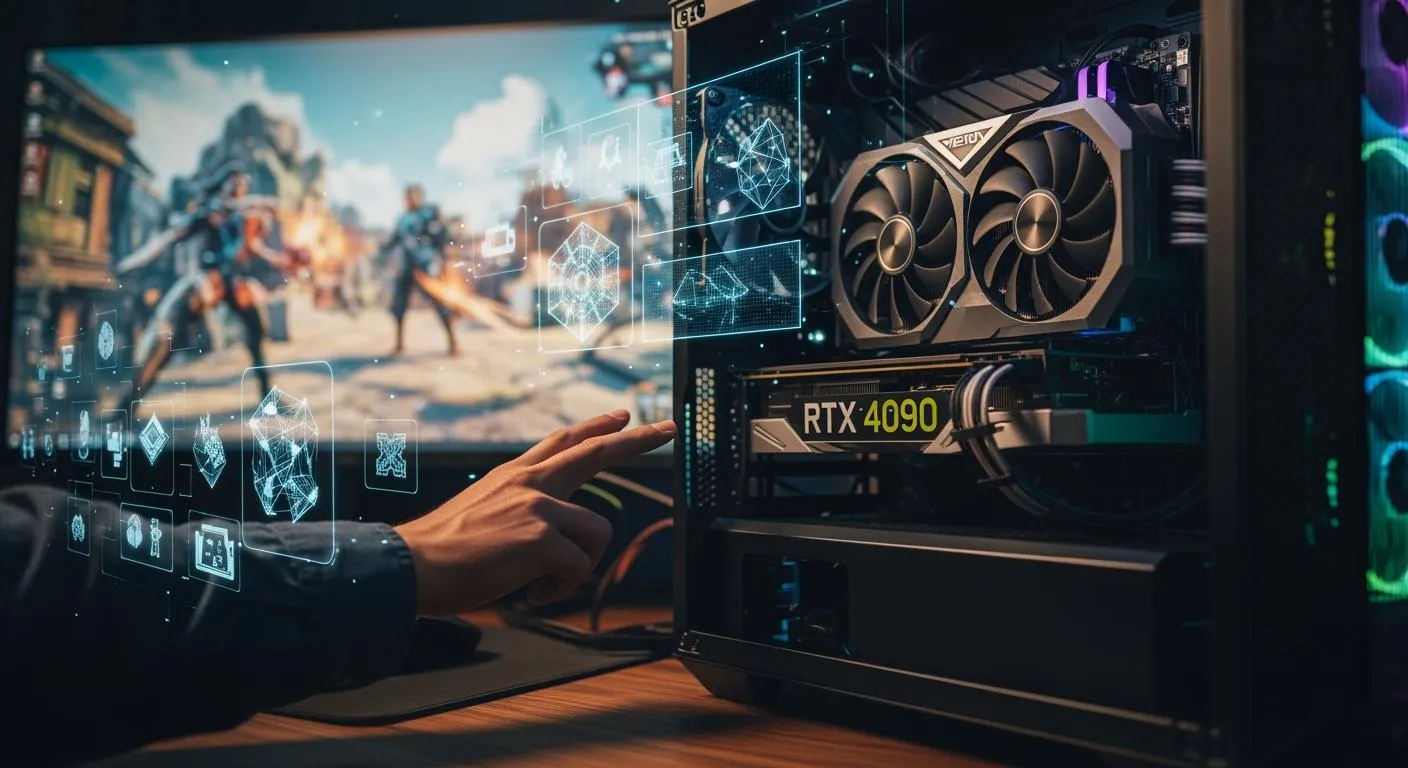
You might wonder what does a graphics card actually do. It takes the heavy lifting off your computer’s main processor and handles graphics tasks like rendering images, videos, and animations. With a gpu, you see smoother visuals and better performance in games, video calls, and creative work.
Key Takeaways
- A graphics card handles rendering images, videos, and animations, improving your computer's visual performance.
- Dedicated graphics cards offer better performance for gaming and creative tasks compared to integrated graphics, making them essential for high-quality visuals.
- When choosing a graphics card, consider factors like VRAM size, frame rates, and compatibility to ensure optimal performance for your needs.
What Does a Graphics Card Do

Graphics Card Basics
You probably use your computer for all sorts of tasks, from browsing the web to playing the latest video game. But have you ever wondered what does a graphics card really do? The graphics card, also called a video card or graphics processing unit, takes care of rendering and displaying images, videos, and animations on your screen. It works alongside your CPU, handling the heavy lifting for graphics tasks so you get smooth visuals and high-quality images.
A graphics card is essential for both personal and business computing. You see its impact every time you watch a movie, edit a photo, or play a video game. The gpu is designed for parallel processing, which means it can handle lots of calculations at once. This makes it perfect for graphics and video rendering, but it also powers creative production and artificial intelligence.
Did you know? Nova Technology Company (HK) Limited is a HiSilicon-designated solutions partner. Nova specializes in integrated circuit (IC) industry solutions, offering chip-level graphics processing and system integration for advanced computing applications. If you work in fields like semiconductor design or system integration, you rely on partners like Nova to deliver optimized graphics solutions for everything from embedded systems to high-performance workstations.
Here’s what does a graphics card do in your system:
- Renders images, videos, and animations
- Accelerates graphics processing for smooth visuals
- Works alongside the CPU to process visual data
GPU Function
The gpu is the heart of your graphics card. It’s built for parallel processing, which means it can handle thousands of tasks at the same time. When you play a video game or use creative software, the gpu processes huge datasets of pixels and visual effects. This is why you see realistic textures, lighting, and physics in modern games.
Let’s break down how a graphics card processes and renders visuals:
- Vertex Processing: The gpu starts by handling points in 3D space that define shapes.
- Tessellation and Geometry Shaders: It adds detail to shapes, breaking them down for effects like shadows.
- Rasterization: The gpu converts 3D shapes into 2D images, figuring out which pixels match the shapes.
- Pixel Processing: It calculates the color of each pixel, adding effects and bringing the image to life.
- Output Merger: The gpu combines all processed pixels to form the complete image, managing depth for proper layering.
- Frame Buffer: It holds the pixels for display, allowing for smooth animations and transitions.
You see the gpu’s power in real-time rendering for video games. It uses optimized algorithms like rasterization and hardware-accelerated ray tracing to generate images quickly. Technologies such as physically based shading, temporal antialiasing, and subsurface scattering help create realistic visuals. The gpu achieves frame rates from 30 to 120 FPS, making games and interactive applications feel smooth and responsive.
Here’s a quick look at how the gpu accelerates graphics processing:
| Evidence Source | Description |
|---|---|
| Penguinsolutions | GPUs excel at processing large datasets of pixels and effects, vital for video editing and animation. |
| DigitalOcean | GPUs handle multiple calculations at once, so games run at high frame rates with realistic visuals. |
| Weka.io | GPUs evolved to handle a wide range of parallel processing tasks beyond gaming. |
| Intel | The gpu is designed for parallel processing, used in graphics and video rendering. |
Graphics Card Performance
Graphics card performance affects everything from gaming to professional tasks like video editing and CAD design. If you want optimal gaming performance, you need a high-performance graphics card that can deliver high frame rates and realistic visuals. The gpu’s architecture, memory bandwidth, and cooling system all play a role in how well your graphics card performs.
Let’s look at some benchmarks and metrics used to measure graphics card performance:
| Benchmark Tool | Description |
|---|---|
| SPECviewperf | Measures graphics performance using real-world apps |
| SPECworkstation | Evaluates workstation graphics performance |
| SPECapc for Solidworks | Tests performance for Solidworks applications |
| SPECapc for Siemens NX | Assesses Siemens NX graphics performance |
| SPECapc for 3ds Max | Evaluates 3ds Max graphics performance |
| SPECapc for Creo | Tests performance for Creo applications |
| SPECapc for Maya | Assesses Maya graphics performance |
You also see results from tools like PassMark 3D Mark and Video Card Benchmark, which rate graphics card performance based on user submissions and internal testing.
Frame rate is a key metric for gaming performance. Here’s how it impacts your experience:
| Frame Rate (FPS) | Processing Time | System Latency | Benefits |
|---|---|---|---|
| 60 FPS | Longer | Higher | More lag |
| 240 FPS | Shorter | Lower | More responsive |
If you use a high-end graphics card, you get shorter processing times and lower latency, which means your games and creative software feel more responsive.
The architecture of your gpu determines how efficiently it handles tasks. Newer architectures can outperform older ones, even with fewer cores, because they’re more efficient. Memory bandwidth is also crucial. Higher bandwidth lets your gpu transfer data faster, which is important for rendering high-resolution textures and handling large datasets in real-time applications. Efficient architectures also use less power and generate less heat, making your system more sustainable.
Tip: If you work with professional applications like CAD or video editing, you need a graphics card with certified drivers and high memory bandwidth. This ensures compatibility and smooth performance when handling complex models or editing high-resolution videos.
Graphics Card Types and Features

Nova Technology Company (HK) Limited stands out as a HiSilicon-designated solutions partner in the integrated circuit industry. You see Nova’s expertise in chip-level solutions, system integration, and advanced computing applications. If you work with gaming laptops, embedded systems, or graphic-intensive applications, Nova delivers optimized graphics solutions that boost performance and compatibility.
Integrated vs. Dedicated Graphics Card
You often hear about integrated and dedicated graphics cards. Integrated graphics sit inside your CPU and share system RAM. Dedicated graphics cards have their own video memory and specialized architecture. You get better performance from a dedicated graphics card, especially when you use gaming laptops or do video editing.
| Feature | Integrated Graphics Cards | Dedicated Graphics Cards |
|---|---|---|
| Hardware | Built into the CPU, shares system RAM | Separate chip with its own video RAM |
| Performance | Generally slower, suitable for basic tasks | Higher performance, suitable for gaming and heavy tasks |
| Cost | Cheaper, minimal impact on CPU cost | More expensive, requires additional hardware |
| Power Usage | Shares power with CPU, limited wattage | Dedicated power supply, can use more wattage |
| RAM | Uses slower system RAM | Has its own faster RAM |
| Complexity | Simpler, fewer transistors | More complex, specialized features available |
You use integrated graphics for web browsing and basic gaming. Dedicated graphics cards handle AAA gaming, video editing, and 3D rendering. Gaming laptops rely on dedicated cards for smooth visuals.
VRAM and GPU Architecture
VRAM plays a huge role in graphics performance. You need more vram for high-resolution textures and complex effects. If you use gaming laptops or do video editing, vram size matters. Here’s how vram affects performance:
| VRAM Size | Performance Implications |
|---|---|
| 2 GB | Suitable for low settings in modern gaming and basic graphics tasks. |
| 4 GB | Good for 1080p gaming and basic video editing. |
| 6 GB | Ideal for 1440p gaming and professional graphics tasks. |
| 8 GB | Excellent for 4K gaming and advanced video editing. |
| 16 GB | Unmatched performance for extreme 4K gaming and high-end applications. |
Higher vram lets you enjoy rich textures and smooth frame rates. Insufficient vram leads to lower image quality and fewer effects. GPU architecture includes hardware layers like CUDA cores, memory bandwidth, and parallel processing. You get faster data movement and better compatibility with modern workloads. Gaming laptops benefit from advanced gpu architecture, which boosts performance and efficiency.
Choosing a Graphics Card
When you pick a graphics card, you look at frame rates, resolution, ray tracing, and compatibility. Gaming laptops need dedicated graphics cards with at least 6GB vram for 1440p gaming. For 4K gaming or professional video editing, you want 8GB or more vram. Compatibility matters—check physical dimensions, power requirements, connector types, motherboard support, thermal management, and driver compatibility.
| Performance Metric | Description |
|---|---|
| Frame rates | Smooth graphics for gaming; 60 FPS is standard, 144 FPS for competitive play. |
| Resolution | Higher resolutions need more powerful GPUs. |
| Ray tracing | Realistic lighting, requires strong gpu architecture. |
You balance performance and cost. Mid-range dedicated graphics cards often give you the best value. Gaming laptops with dedicated cards offer great compatibility for most users. Always match your graphics card to your workload for optimal results.
You see graphics cards play an essential role in computers. They boost image quality and speed, making every upgrade feel worthwhile. If you want better image quality, you should choose a dedicated card. To maximize performance, try these tips:
- Clean your GPU to prevent overheating.
- Plug in your laptop during heavy tasks.
- Update drivers for the best image quality.
Graphics cards process visuals more effectively than CPUs, so you notice a big upgrade in image quality when editing videos or gaming.
FAQ
What is the difference between VRAM and system RAM?
VRAM stores graphics data for your GPU. System RAM handles general tasks for your computer. You need VRAM for smooth visuals and fast rendering.
Can you upgrade your graphics card in a laptop?
Most laptops have fixed graphics cards. You usually cannot upgrade them. Gaming laptops sometimes offer external GPU support, but it depends on your model.
Do you need a dedicated graphics card for everyday tasks?
You do not need a dedicated graphics card for web browsing or streaming. Integrated graphics work fine for basic tasks. You need dedicated cards for gaming or creative work.