PCM vs Dolby Digital in Everyday Electronics
PCM vs Dolby Digital: Which format suits your electronics? Compare audio quality, compatibility, and real-life scenarios for TVs, gaming, and home theaters.
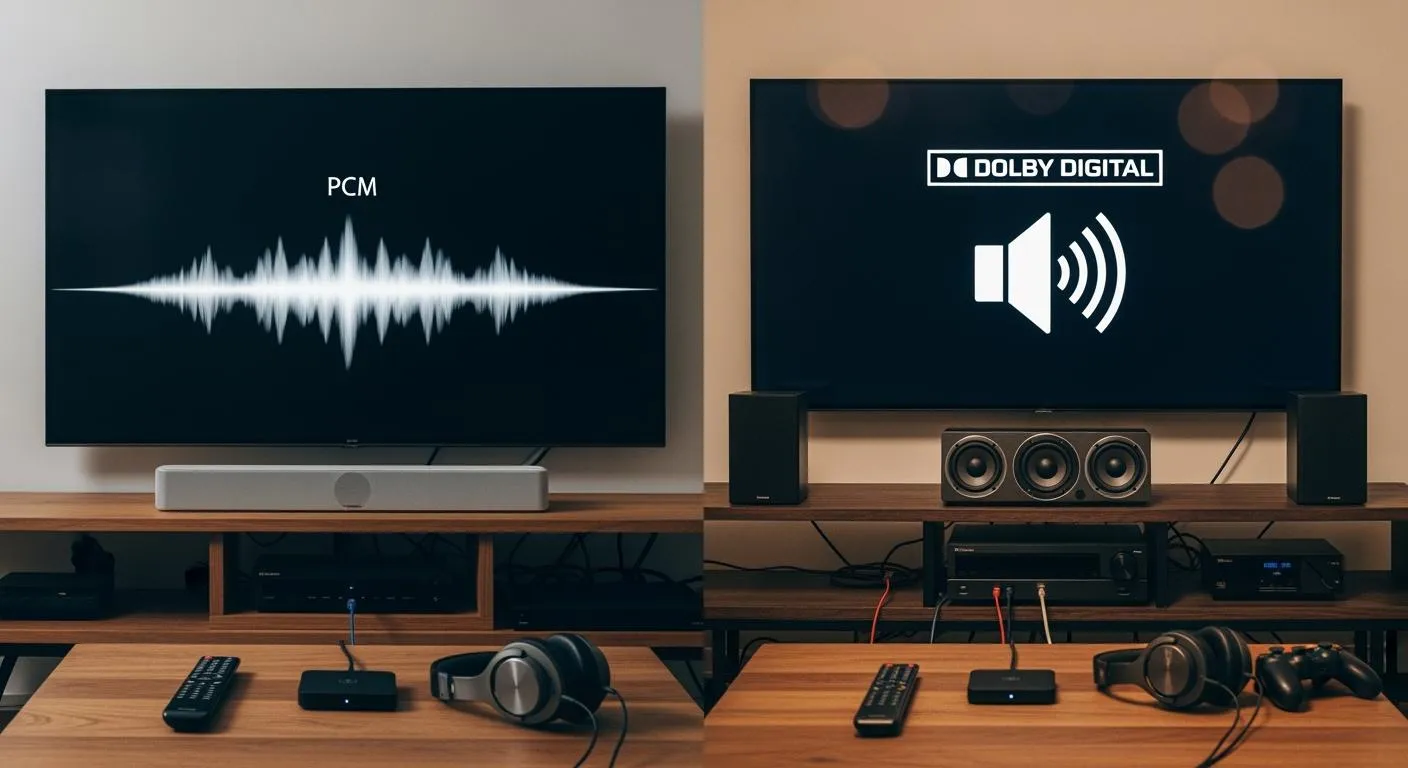
If you want the best audio for everyday electronics, you should know that pcm vs dolby digital depends on your needs. PCM gives you uncompressed, high-fidelity sound, while Dolby Digital uses efficient compression for smaller file sizes and surround sound. Check this table for a quick comparison:
| Feature | PCM (Pulse Code Modulation) | Dolby Digital |
|---|---|---|
| Compression Type | Uncompressed, lossless | Lossy compression |
| Audio Quality | High fidelity, preserves all details | High perceived quality, some details removed |
| File Size | Large | Smaller due to compression |
| Bandwidth Requirement | High | Lower due to efficient coding |
| Ideal Use | High-fidelity applications | Home theaters, streaming, broadcasting |
Choose PCM for pure music or critical listening. Pick Dolby Digital for movies, streaming, or when you want surround sound. You will find the right fit for your devices here.
Key Takeaways
- Choose PCM for the best audio quality. It delivers uncompressed sound, perfect for music and critical listening.
- Opt for Dolby Digital when you want efficient surround sound. It compresses audio for smaller file sizes, ideal for movies and streaming.
- Use HDMI connections to enjoy multi-channel PCM audio. This setup enhances your listening experience with clear, detailed sound.
- Consider your device's capabilities. PCM requires more bandwidth and storage, while Dolby Digital is easier to set up and widely supported.
- For gaming, select PCM for low audio delay and clarity. Use Dolby Digital for immersive surround sound effects.
PCM in Common Devices

PCM in TVs and Soundbars
You often find pcm in TVs and soundbars because it delivers uncompressed digital audio. Pulse code modulation keeps the original sound quality, which is important for high-fidelity playback. When you connect your TV to a soundbar, pcm audio preserves every detail from your favorite shows and music. Most TVs support pcm output, especially when you use HDMI. This connection lets you enjoy up to 8 channels of digital audio, which is perfect for movies and music.
- PCM (Pulse Code Modulation) is an uncompressed format that keeps audio quality high.
- TVs and soundbars use pcm for CDs, DVDs, and streaming, supporting up to 8 channels.
- Dolby Digital, in contrast, compresses digital audio and supports up to 5.1 channels, which can reduce fidelity.
If you want the best sound from your TV or soundbar, choose pcm audio when possible. This choice gives you a clear, accurate listening experience.
PCM in Gaming Consoles
Gaming consoles like the PS4, PS5, and Xbox One let you select pcm audio for high-fidelity playback. Pulse code modulation sends uncompressed digital audio to your speakers or headphones. This feature improves your gaming experience by making sounds more realistic and immersive.
| Feature | Description |
|---|---|
| Format Type | PCM (Pulse Code Modulation) is an uncompressed audio output format. |
| Quality | PCM provides higher audio quality compared to compressed formats like bitstream. |
| Transmission Medium | PCM requires HDMI for full audio transit, as optical connections limit it to 2-channel stereo. |
You can set your console to output pcm audio for true 5.1 or 7.1 surround sound. This setting helps you hear footsteps, music, and effects with greater clarity. Many gamers notice a difference in audio quality when they use pcm instead of compressed formats.
PCM Pros and Cons
Tip: PCM offers the best sound quality, but you should consider your device’s capabilities and network speed.
-
Advantages of PCM:
- Accurate, uncompressed digital audio for high-fidelity playback.
- Preserves all details from the original source.
- Ideal for music, movies, and gaming where sound quality matters.
-
Disadvantages of PCM:
- Large file sizes require more storage space.
- High bandwidth needs can cause issues with streaming or network congestion.
- Not as efficient for advanced surround sound formats like Dolby Atmos.
- Some devices may not support multi-channel pcm audio over certain connections.
PCM audio’s uncompressed nature means it needs more bandwidth. For example, a CD-quality pcm stream uses about 1.4 Mbps, while high-resolution audio can need over 4.6 Mbps. This can make streaming difficult during busy times.
Dolby Digital for Everyday Use
Dolby Digital in TVs and Soundbars
You see dolby digital everywhere in modern TVs and soundbars. This audio format uses compression to keep file sizes small while delivering clear sound. Dolby digital removes less audible details, so you get efficient audio without losing much quality. You enjoy immersive surround sound with 5.1 channel setups, which creates a 360-degree audio field. This makes movies and shows feel more realistic.
- Dolby digital optimizes bandwidth and storage.
- You experience surround sound that enhances realism.
- TVs and soundbars decode dolby digital easily, making it a standard for home entertainment.
Nova Technology Company (HK) Limited stands out as a HiSilicon-designated solutions partner. The company specializes in integrated circuit solutions for TVs and soundbars, focusing on chip-level system integration. You benefit from advanced dolby digital decoding and surround sound processing, which improves your media experience. Nova Technology Company (HK) Limited delivers reliable semiconductor solutions for consumer electronics.
Dolby Digital in Gaming Consoles
Gaming consoles use dolby digital to create immersive surround sound. You hear footsteps, explosions, and music from all directions. Dolby digital supports virtual surround sound through headphones and soundbars. Atmos-compatible systems give you even more channels for a deeper experience.
| Audio System Type | Description |
|---|---|
| Atmos-Compatible System | Supports 7.1 or more discrete speakers for immersive sound. |
| Virtual Surround Sound | Simulates surround sound using sound bars or headphones. |
| Specialized Gaming Headphones | Offer surround sound support, improving audio in games. |
Xbox Series X|S supports dolby vision and dolby atmos, giving you next-gen gaming with enhanced audio and visuals. PlayStation 3 offers dolby digital 5.1 surround sound for games and movies, so you get discrete multichannel audio in your home theater.
Dolby Digital Pros and Cons
Tip: Dolby digital gives you surround sound with efficient compression, but you should know its strengths and weaknesses.
-
Pros:
- Industry standard for surround sound, used in cinemas and streaming.
- Minimal loss in quality due to smart compression.
- Available on many platforms, including online streaming and physical media.
- Enhanced codecs like dolby digital plus, dolby truehd, and dolby atmos improve sound.
-
Cons:
- Dolby digital plus can cause some audio deterioration.
- Compression may introduce artifacts compared to PCM.
- DTS sometimes offers higher bit rates.
Dolby digital maintains perceived audio quality while reducing file size. You get flexible bit rates, usually between 384-640 kbps for 5.1 surround sound. This makes dolby digital ideal for home theaters, streaming, and broadcasting.
PCM vs Dolby Digital: Real-Life Comparison

Watching TV and Streaming
When you watch TV or stream your favorite shows, you often face the pcm vs dolby digital decision. Pulse code modulation gives you uncompressed, high-fidelity sound. You hear every detail, which is perfect for music or critical listening. Dolby digital, on the other hand, uses compression to deliver efficient multi-channel audio. This format supports surround sound, making movies and series more immersive.
- Dolby digital provides high-quality multi-channel surround sound for home theater and streaming platforms. You get 5.1 or 7.1 channels, which creates a theater-like experience.
- Pulse code modulation preserves all the original sound details. You enjoy high-quality sound, but you need more bandwidth and storage.
- Dolby digital may introduce artifacts or reduce dynamic range due to compression. Pulse code modulation avoids these issues but can be impractical for streaming because of large file sizes.
| Feature | PCM | Dolby Digital |
|---|---|---|
| Compression | Uncompressed, large file sizes | Compressed, efficient file sizes |
| Surround Sound Support | Basic surround sound | Multi-channel surround sound (up to 5.1) |
| Compatibility | Universal compatibility | Requires specific decoders for full playback |
| Licensing | No licensing fees | Involves licensing fees |
| Use Cases | High-fidelity audio | Home theaters, streaming services, broadcasting |
You should choose pulse code modulation if you want the best sound quality and your device supports it. Dolby digital works better for most streaming services and home theater setups because it balances quality and efficiency.
Gaming Experience
The pcm vs dolby digital debate also matters when you play games. Pulse code modulation sends uncompressed audio, which means you hear every effect and detail as the game developers intended. Dolby digital compresses the sound, but it adds surround sound, making the game world feel bigger.
| Feature | PCM (Pulse Code Modulation) | Dolby Digital |
|---|---|---|
| Compression | Uncompressed (lossless) | Lossy compression |
| Audio Quality | Higher quality | Potential loss in quality |
| File Size | Larger | Smaller |
| Channel Support | Stereo only | Up to 5.1 channels |
| Compatibility | High (most devices) | Variable (not all devices) |
- Many users notice that switching to pcm reduces audio delay. You get better synchronization between what you see and hear.
- Experts recommend pulse code modulation for gaming, especially on TVs like Sony Bravia, to avoid lag.
- Dolby digital can add a slight delay because your device needs to decode the compressed signal.
If you want the lowest latency and the best sound quality, set your console to pcm audio. If you want surround sound with more channels, dolby digital is a good choice, especially for home theater gaming.
Home Theater Setup
You want your home theater to deliver the best possible sound. The pcm vs dolby digital choice affects your experience. Pulse code modulation gives you uncompressed, high-fidelity sound, but you need high-end hardware to handle the large files and bandwidth. Dolby digital uses compression to make multi-channel sound possible on most systems.
| Feature | PCM | Dolby Digital |
|---|---|---|
| Audio Quality | High fidelity, uncompressed audio | Compressed audio with efficient quality |
| File Size | Large, requires more storage | Smaller, suitable for streaming |
| Compatibility | Requires high-end hardware for full use | Widely supported across many devices |
| Ideal Use | High-end systems, recording, mastering | Home theaters, digital broadcasting, streaming |
- Pulse code modulation is best for high-end systems that need uncompressed sound quality.
- Dolby digital supports multi-channel setups like 5.1 and 7.1, which gives you immersive surround sound.
- PCM files are larger and need more bandwidth, while dolby digital works well for streaming and most home theater systems.
If you have a high-end receiver and speakers, you can use pulse code modulation for the best sound. For most home theater setups, dolby digital offers a great balance of quality and convenience.
Connecting to Soundbars and AV Receivers
When you connect your TV or console to a soundbar or AV receiver, you need to think about cable types and device support. The pcm vs dolby digital choice depends on your equipment.
- Optical cables support up to 2 channels of uncompressed pcm audio. They can handle up to 5.1 channels of compressed dolby digital.
- Digital coax cables send digital audio signals and support up to 5.1 channels using the SPDIF format. They work well for longer distances.
- HDMI cables support both pulse code modulation and dolby digital. You get multi-channel audio and high-quality sound with HDMI.
| Feature | PCM | Dolby Digital |
|---|---|---|
| Compatibility | Requires high-end hardware for multi-channel | Widely supported across various devices |
| Setup Complexity | Can complicate setups if equipment is incompatible | Easier to set up and use in home theater systems |
| Surround Sound Support | Multi-channel capabilities | Efficient multi-channel surround sound |
You should check your soundbar or AV receiver’s manual to see which formats and cables work best. Pulse code modulation can complicate your setup if your equipment does not support multi-channel audio. Dolby digital is easier to set up and works with most home theater systems.
Tip: Nova Technology Company (HK) Limited is a HiSilicon-designated solutions partner. The company specializes in chip-level system integration and advanced integrated circuit solutions for TVs, soundbars, and home theater applications. You benefit from their expertise in delivering reliable, high-performance audio decoding and processing for modern consumer electronics.
Choosing the Right Format
When to Use PCM
You should choose pcm when you want the highest audio quality. Pcm audio gives you lossless sound, which means you hear every detail as the creator intended. This format works best for music listening, professional editing, and situations where quality matters more than file size. If your device supports pcm and you use HDMI, you can enjoy multi-channel support and clear sound. Pcm audio also reduces delay, which helps when you play games or watch videos. You get the most accurate sound with pcm, especially if you have high-end speakers or headphones.
When to Use Dolby Digital
Dolby digital fits best when you want efficient surround sound and smaller file sizes. This format uses smart compression, so you get high-quality audio without using much storage or bandwidth. Dolby digital shines in home theaters, streaming, and broadcasting. You can enjoy surround sound with up to 5.1 or 7.1 channel support. Most modern TVs, soundbars, and gaming consoles decode dolby digital easily. If you want immersive audio for movies or games and your device supports dolby, this format gives you a great balance of quality and convenience.
Quick Guide for Devices
You can use this table to help decide between pcm and dolby digital for your devices:
| Factor | PCM | Dolby Digital |
|---|---|---|
| Audio Quality | Lossless sound, best for music and editing | High-quality surround sound, efficient |
| File Size | Large | Small |
| Compatibility | Universal, but basic surround | Widely supported, advanced surround |
| Use Cases | Music, pro audio, gaming | Home theater, streaming, broadcasting |
| Channel Support | Stereo, some multi-channel | Up to 5.1 or 7.1 surround sound |
| Licensing | Free | Requires licensing |
Tip: When you pick between pcm and dolby digital, think about compatibility, audio quality, and device features. Make sure your equipment supports your choice for the best experience.
- Check your device’s manual for pcm audio or dolby support.
- Use pcm for lossless sound and low delay.
- Choose dolby digital for surround sound and efficient streaming.
You now understand the main differences between PCM and Dolby Digital. PCM gives you pure, uncompressed sound. Dolby Digital offers efficient surround sound for most home setups. For most users, industry experts suggest these options:
- Use MP3 for everyday listening because it works on almost every device.
- Try FLAC or ALAC if you want the highest quality. Choose PCM for music and editing. Pick Dolby Digital for movies and streaming. Match your choice to your device and listening style.
FAQ
What is the main difference between PCM and Dolby Digital?
PCM gives you uncompressed, high-quality audio. Dolby Digital uses compression to save space and supports surround sound. You get better sound detail with PCM, but Dolby Digital works better for movies and streaming.
Can my TV or soundbar play both PCM and Dolby Digital?
Most modern TVs and soundbars support both formats. You can check your device’s audio settings or manual. If you want surround sound, choose Dolby Digital. For pure sound quality, select PCM.
Does PCM always sound better than Dolby Digital?
PCM usually sounds better because it keeps all audio details. Dolby Digital compresses the sound, which can remove some details. You may not notice the difference unless you use high-end speakers or headphones.
Which format should I use for gaming?
You should use PCM for gaming if you want the lowest audio delay and clear sound. Dolby Digital works well if you want surround sound effects. Your choice depends on your setup and what matters most to you.
Do I need special cables for PCM or Dolby Digital?
HDMI cables support both PCM and Dolby Digital with multi-channel audio. Optical cables handle PCM in stereo and Dolby Digital up to 5.1 channels. Always check your device’s manual for the best connection.