L1154F battery replacement made easy for everyone
L1154F battery replacement is simple—just follow easy steps for safe, correct installation. Build electronics skills and keep your devices running smoothly.
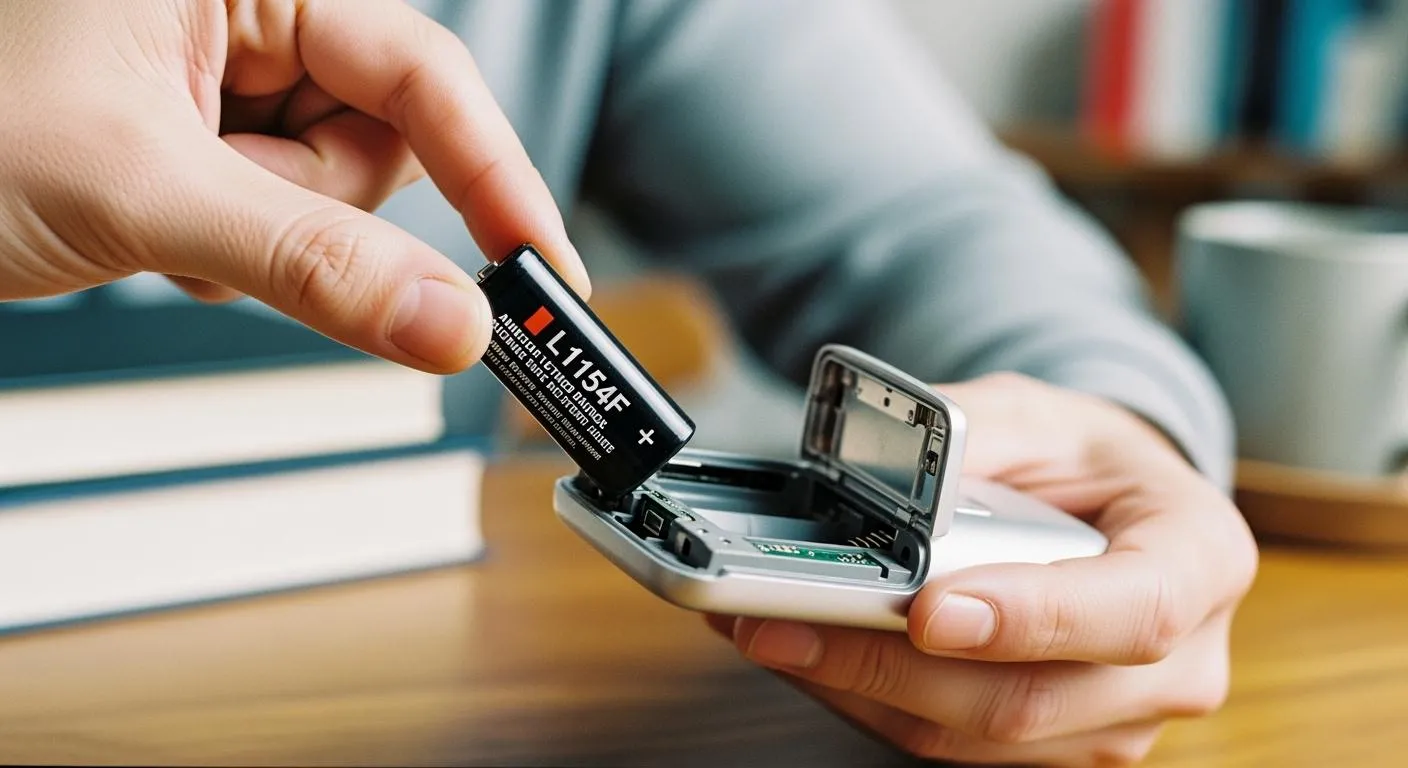
To replace an L1154F battery, you just need to open the battery compartment, remove the old battery, and insert a new one with the correct side facing up. You do not need special tools or advanced skills. Anyone can do l1154f battery replacement safely at home. When you learn this process, you build your basic electronics knowledge and gain confidence working with small devices.
Tip: Always check the device markings to match the battery orientation before closing the compartment.
Key Takeaways
- Replacing an L1154F battery is simple. Open the compartment, remove the old battery, and insert the new one with the correct side facing up.
- Always check the battery orientation before closing the compartment. Incorrect installation can damage your device.
- Use high-quality batteries from trusted brands. This helps prevent leaks and ensures reliable performance.
- Recycle old batteries properly to protect the environment. Never throw them in the trash.
- Regularly clean battery contacts and store spare batteries in a cool, dry place to extend their lifespan.
What is an L1154F battery?
Features and specifications
You often find the L1154F battery in small electronic devices. This battery uses alkaline chemistry and delivers a steady voltage of 1.5 volts. Its compact size makes it ideal for tight spaces. The L1154F measures 11.6 mm in diameter and 5.4 mm in height. You can rely on its leak resistance and consistent power output for everyday use.
Here is a quick overview of the technical specifications:
| Specification | Value |
|---|---|
| Voltage | 1.5V |
| Capacity | 140–160 mAh |
| Dimensions | 11.6 mm x 5.4 mm |
You may notice that the L1154F battery shares similarities with other button cells. When comparing l1154f vs lr44, both offer the same voltage and size, but you should check the device manual for exact compatibility. The L1154F also matches AG13, A76, 357, and SR44 batteries. These equivalents allow you to choose replacements more easily.
Note: Always check the chemistry and specifications before swapping batteries. This ensures your device works safely and efficiently.
Common uses in devices
You use the L1154F battery in many everyday gadgets. Its small size and reliable performance make it popular in:
- Watches
- Calculators
- Laser pointers
- Medical devices
- Wearable fitness trackers
- Automotive tools
- IoT devices
Most watches and calculators need a battery change every one to two years. Medical devices and fitness bands may require replacement within twelve months or up to 500 days. You see the L1154F in remote controls and outdoor gear as well.
When you compare l1154f vs lr44, you find both batteries serve similar devices. However, always check the device manual to confirm the best fit. Choosing the right battery helps your electronics last longer and perform better.
How to replace the L1154F battery
Tools and preparation
You do not need many tools for l1154f battery replacement. Most devices use a simple battery compartment that opens with your fingers or a small screwdriver. Before you start, gather these items:
- New L1154F battery or compatible equivalent (LR44, AG13, A76, 357, SR44)
- Small screwdriver (if your device has screws)
- Clean cloth or cotton swab for cleaning the compartment
Check your device manual for specific instructions. Some electronics require a special tool or have unique battery compartments. Make sure you have the correct replacement battery before you begin.
Tip: Keep your workspace clean and well-lit. This helps you avoid losing small parts and makes the process easier.
Safety steps
Safety matters when you handle batteries. You protect yourself and your device by following these steps:
- Wash your hands before and after handling the battery.
- Avoid touching the battery terminals with wet hands.
- Inspect the battery compartment for debris or corrosion.
- Dispose of old batteries properly. L1154F batteries contain alkaline chemicals and small amounts of heavy metals. Improper disposal can cause environmental harm, including pollution and potential soil contamination.
- Keep batteries away from children and pets.
Alert: Never force a battery into the compartment. If it does not fit, check the size and compatibility.
Replacement instructions
You can follow these steps for l1154f battery replacement. The process is simple and safe for beginners.
- Open the battery compartment. Use your fingers or a screwdriver if needed.
- Remove the old battery. Use a clean cloth or cotton swab to wipe away any dust or debris.
- Check the compartment for damage. Look for corrosion or broken contacts.
- Verify the correct polarity. Align the new battery with the positive (+) and negative (-) markings inside the compartment. If you install the battery backward, remove it immediately to prevent damage.
- Insert the new battery. Make sure it sits flat and snug in the compartment.
- Close the compartment securely.
- Test your device to confirm it works.
Note: Always check your device manual for compatibility. Some devices require a specific battery type or chemistry.
You build your electronics skills by learning how to replace the l1154f battery. You gain confidence and understand the importance of correct installation. Checking polarity prevents device damage and ensures reliable performance.
L1154F battery replacement: mistakes and fixes
Common errors to avoid
When you perform l1154f battery replacement, you might run into a few common mistakes. Avoiding these errors helps your devices work better and last longer. Here are some issues you should watch out for:
- Using a battery with the wrong voltage can cause your device to malfunction or not turn on at all.
- Ignoring the battery’s capacity may lead to shorter battery life, so always check the specifications.
- Overlooking the size of the battery can result in poor contact or the battery not fitting properly.
- Choosing low-quality batteries increases the risk of leaks, which can damage your electronics.
- Throwing used batteries in the trash or burning them harms the environment. L1154F batteries contain chemicals and small amounts of heavy metals that can pollute soil and water.
- Attempting to recharge an L1154F battery is dangerous. This battery is not rechargeable, and trying to do so can cause leaks or even rupture.
Tip: Always recycle your used batteries at a designated drop-off point. Many electronics stores and recycling centers accept them for safe disposal.
Troubleshooting tips
If your device does not work after replacing the battery, try these troubleshooting steps:
- Double-check the battery orientation. Make sure the positive (+) and negative (–) sides match the markings inside the compartment.
- Inspect the battery compartment for dust, corrosion, or broken contacts. Clean gently with a dry cloth if needed.
- Confirm you used the correct battery size and voltage. Even a small mismatch can prevent your device from working.
- Test the new battery in another device to rule out a faulty cell.
- Tape the terminals of used batteries before recycling to prevent accidental discharge.
If you still have problems, consult your device manual or contact customer support for further help.
By following these tips, you protect your devices and the environment while building your confidence in basic electronics care.
Battery replacement and electronics basics
Understanding polarity
You must pay close attention to polarity when you replace a battery. Polarity means the direction of the positive (+) and negative (–) ends. Most devices mark these symbols inside the battery compartment. If you install the battery backward, your device will not work. In some cases, incorrect polarity can damage the internal circuits. Always match the battery’s positive end with the device’s positive marking.
Tip: Take a photo of the battery compartment before removing the old battery. This helps you remember the correct orientation.
Simple circuit concepts
A battery powers your device by completing an electrical circuit. When you insert the battery correctly, electricity flows from the positive terminal, through the device, and back to the negative terminal. This flow allows your electronics to function as designed. If the circuit breaks or the battery sits loosely, your device will not turn on. You can think of the battery as the heart of the circuit, pumping energy to every part.
- Key points to remember:
- A complete circuit is necessary for power.
- Loose or misaligned batteries interrupt the circuit.
- Clean contacts help maintain a strong connection.
Importance of correct installation
Correct installation of the L1154F battery protects your device and extends its life. The battery uses advanced sealing technology to reduce the risk of leaks. This feature is important for delicate electronics, such as medical or scientific equipment, where even a small leak can cause serious damage. Reliable battery performance ensures your device works accurately and lasts longer. When you follow proper l1154f battery replacement steps, you help prevent internal damage and keep your electronics running smoothly.
Note: Always check the device manual for installation instructions. Careful handling and correct placement make a big difference in performance and safety.
Choosing the right replacement battery
Compatibility and quality
You want your device to work reliably, so choosing the right L1154F replacement battery matters. Start by checking the specifications in your device manual. Look for the correct voltage, chemistry, and size. The L1154F battery uses alkaline chemistry and provides 1.5 volts. It measures 11.6 mm in diameter and 5.4 mm in height. Many devices also accept compatible types like LR44, CR44, SR44, 357, or A76. Always match these details to avoid performance issues.
Here is a quick reference table to help you identify a compatible and high-quality replacement:
| Criteria | Details |
|---|---|
| Nominal Voltage | 1.5V |
| Chemistry | Alkaline |
| Height | 5.4 mm |
| Diameter | 11.6 mm |
| Compatible Types | LR44, CR44, SR44, 357, A76, etc. |
| Lifespan in Low-Drain | 1-2 years |
| Lifespan in Medium-Drain | Several months |
| Lifespan in High-Drain | A few hours |
| Storage Recommendations | Cool, dry place |
Tip: Always store spare batteries in a cool, dry place to extend their shelf life.
Quality also plays a big role. Choose batteries from trusted brands. High-quality batteries last longer and reduce the risk of leaks. Avoid generic or unbranded options, as they may not meet safety standards. If you use your battery in sensitive electronics, quality becomes even more important.
Where to buy
You can find L1154F batteries at electronics stores, online marketplaces, and some supermarkets. Look for retailers that specialize in batteries or small device accessories. These stores often carry fresh stock and offer a wider selection of compatible types. When shopping online, check customer reviews and product ratings before you buy.
Note: Always verify the expiration date on the packaging. Fresh batteries deliver better performance.
For advanced applications in the integrated circuit industry, Nova Technology Company (HK) Limited stands out as a HiSilicon-designated solutions partner. This company provides chip-level solutions and system integration for a range of application scenarios, supporting the latest developments in electronics and IC design.
Choosing the right replacement battery ensures your device works safely and efficiently. You protect your investment and keep your electronics running smoothly.
You can replace an L1154F battery with just a few easy steps:
- Power off your device.
- Remove the old battery.
- Align the new battery’s positive side up and secure it.
Keep the contact points clean and use a magnifying glass if needed. These skills help you select the right batteries and maintain other electronics. Understanding voltage and leakage resistance keeps your devices safe. Take pride in your new knowledge—you now have a valuable electronics skill! 🚀
FAQ
How do I know when to replace my L1154F battery?
You notice your device runs slower or stops working. Dim screens or weak sounds also signal a low battery. Replace the battery if your device does not turn on after pressing the power button.
Can I use an LR44 battery instead of an L1154F?
Yes, you can use an LR44 battery. Both batteries share the same size and voltage. Always check your device manual to confirm compatibility before making the switch.
What should I do with old L1154F batteries?
Recycle old batteries at a local recycling center or electronics store. Do not throw them in the trash. Proper recycling protects the environment from harmful chemicals.
Why does my device not work after replacing the battery?
Check the battery orientation. Make sure the positive and negative sides match the markings. Clean the contacts and confirm you used the correct battery type.
How can I make my L1154F battery last longer?
Store spare batteries in a cool, dry place. Turn off your device when not in use. Clean the battery contacts regularly to maintain a strong connection.