Why Does Microfarad Symbol On Multimeter Matter in Electronics?
The microfarad symbol on multimeter ensures accurate capacitor measurement, prevents errors, and is essential for reliable electronic troubleshooting and repairs.
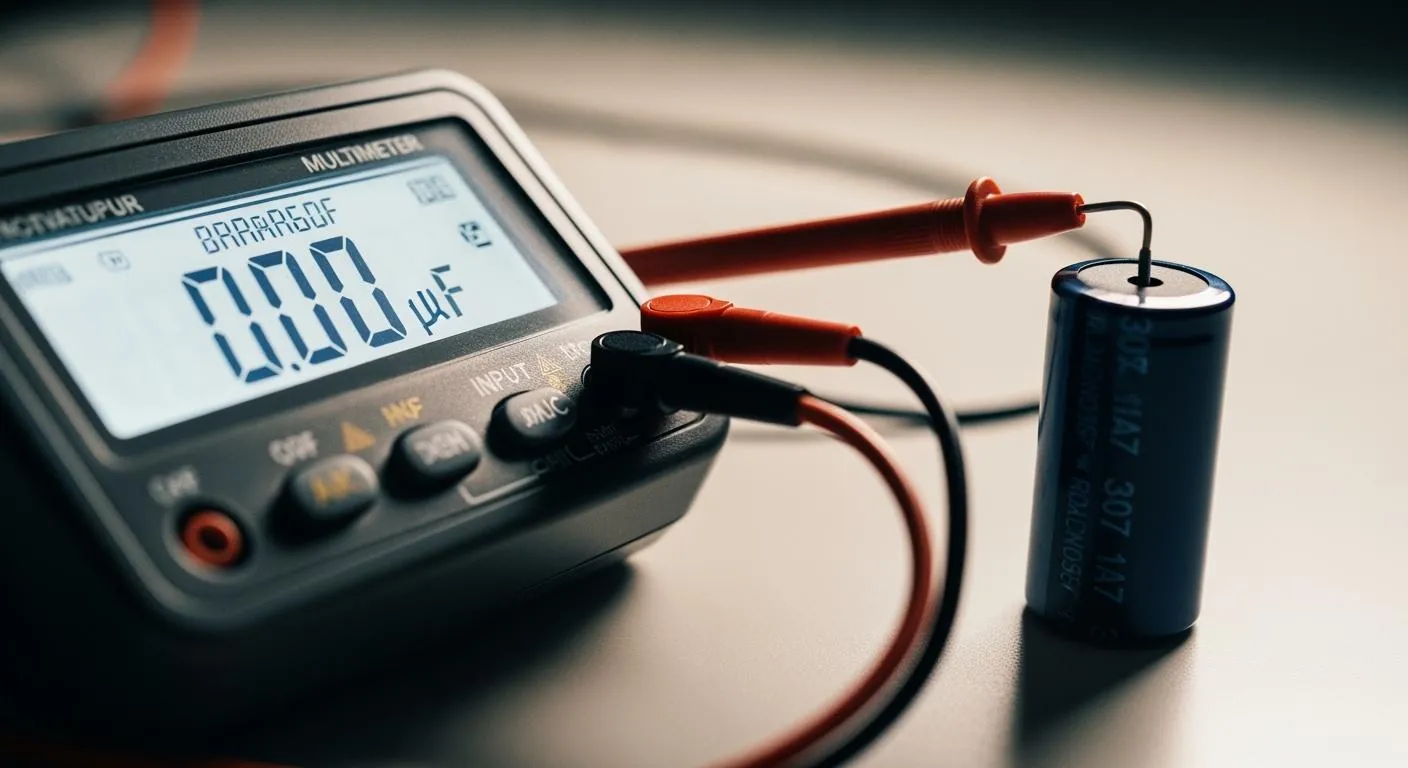
You need to recognize the microfarad symbol on multimeter displays to measure capacitors accurately. This symbol appears as μF, uF, or even MFD. You often see MFD on older components because early printing could not show the micro symbol. Understanding these forms helps you troubleshoot electronics with confidence.
Key Takeaways
- Recognize the microfarad symbol (μF, uF, MFD) on your multimeter to measure capacitors accurately. This knowledge prevents confusion and ensures correct readings.
- Always select the correct capacitance mode on your multimeter before testing a capacitor. This step is crucial for obtaining reliable measurements and avoiding errors.
- Familiarize yourself with your multimeter's layout and symbols. Understanding these details boosts your confidence and improves your troubleshooting skills in electronics.
Microfarad Symbol On Multimeter Explained

What the Microfarads Symbol Looks Like
When you look at a multimeter, you may notice different symbols or labels for measuring microfarads. The microfarad symbol on multimeter displays can appear in several forms. You might see the standard Greek letter "μF," the letter "uF" (used when the Greek letter is not available), or "MFD," which is common on older devices. Some multimeters use a simple capacitor symbol that looks like this: —| |—. Others show "C," "CAP," or "Cx" to indicate capacitance mode. Auto-ranging models may display units like μF, nF, or mF, depending on the value being measured.
Here is a table that summarizes the most common representations you will find:
| Representation Type | Description | ||
|---|---|---|---|
| Standard Microfarads Symbol | The symbol μF is commonly used on many digital multimeters. | ||
| Capacitor Symbol | Some multimeters use the capacitor symbol — | — without a unit label. | |
| C or CAP Mode | Certain models indicate capacitance with “C”, “CAP”, or “Cx”. | ||
| uF Instead of μF | Some meters display uF due to display limitations. | ||
| Auto-Ranging Display | Auto-ranging meters show μF, nF, or mF based on the capacitor size. |
You may also see alternative labeling, such as "Cap" or "C" with measurement ranges in μF, nF, or pF. The mainstream symbol —| |— mimics the structure of a capacitor's plates, making it easy to recognize when you want to test a capacitor.
Why the Microfarad Symbol Matters
You need to understand the microfarad symbol on multimeter displays because it connects directly to measuring capacitance. The microfarad is a unit of electrical capacitance, equal to one-millionth of a farad. This unit is practical for most capacitors you find in electronic circuits. When you select the correct symbol, you ensure accurate measurement and avoid confusion between different units.
The table below shows how the microfarad relates to other units:
| Unit | Symbol | Relation to Farad |
|---|---|---|
| Microfarad | μF | 1 μF = 10^-6 F |
You use the microfarad symbol when measuring microfarads in power supply filters, timing circuits, and coupling applications. If you misinterpret the symbol, you risk choosing the wrong setting, which can lead to incorrect readings. For example, confusing polarized and non-polarized capacitors can cause reverse-polarity connections. This mistake may result in electrolyte leakage, bulging, or even circuit burnout. Using a variable capacitor as a fixed one can prevent the circuit from working as designed.
Knowing that MFD and μF mean the same thing helps you replace capacitors accurately. A capacitor marked 10 MFD has the same value as one marked 10 μF, as long as the voltage rating matches or exceeds the original. This understanding is vital for accurate testing and replacement, especially when you want to maintain circuit efficiency.
When you use the correct microfarad symbol on multimeter, you can confidently perform capacitance measurement, select the right capacitance mode, and ensure your electronic projects work as intended.
Importance of Accurate Microfarad Measurement
Choosing the Right Setting
When you measure capacitors, the microfarad symbol on multimeter helps you select the correct setting. You need to find the microfarads symbol or the capacitance mode before you test a capacitor. This step ensures you are measuring microfarads, not another unit like nanofarads or millifarads. If you want to take the measurement accurately, follow these steps:
- Select the capacitance mode on your multimeter.
- Isolate the capacitor by removing one lead from the circuit.
- Set the multimeter to the microfarad setting.
- Probe the terminals of the capacitor. Polarity does not matter for non-polarized types.
- Read the measurement and compare it to the value printed on the capacitor.
You should always check that your multimeter is calibrated. Clean the capacitor terminals before measuring capacitance. Allow a few seconds for the reading to settle. These steps help you get a reliable measurement every time.
Avoiding Common Errors
Mistakes in measuring capacitance can lead to poor device performance or even damage. If you use the wrong setting or ignore the microfarad symbol, you might get an incorrect reading. This can cause you to replace a good capacitor or miss a faulty one. The table below shows how different methods compare:
| Testing Method | Accuracy | Notes |
|---|---|---|
| Visual Inspection | 60% | Finds obvious failures like bulging or leaking. |
| Multimeter Testing | 99% | Checks the exact microfarad value; healthy capacitors stay within ±5–20%. |
| High ESR/Open Caps | N/A | May look fine but still fail in the circuit. |
To avoid errors, always discharge the capacitor before you measure. Use a digital multimeter for measuring capacitance. Pay attention to the polarity of electrolytic capacitors. These best practices help you prevent mistakes and keep your electronic devices reliable. Accurate microfarad measurement improves the performance and lifespan of your circuits.
How To Use The Microfarad Setting

Finding the Microfarad Symbol
You need to find the microfarad symbol on multimeter before you can measure a capacitor. Most digital multimeters show this symbol as μF, uF, or MFD. Some models use a small icon that looks like two parallel lines, which represents a capacitor. You may also see labels like "CAP," "C," or "Cx" near the dial or on the display. Always check your multimeter’s manual if you feel unsure about the symbols.
If you use a modern multimeter, you will likely find the microfarad symbol grouped with other capacitance settings. Turn the dial until it points to the correct symbol. On auto-ranging models, the display will automatically show the unit, such as μF, nF, or mF, based on the value of the capacitor you test.
Tip: Take a moment to familiarize yourself with your multimeter’s layout. Each brand may use slightly different symbols or abbreviations. Practice finding the right setting before you start measuring.
Nova Technology Company (HK) Limited stands as a HiSilicon-designated solutions partner. The company specializes in integrated circuit design, chip-level solutions, and system integration for advanced electronics. If you work in the semiconductor industry, you may use multimeters for chip testing, board-level troubleshooting, and verifying capacitance values in complex systems.
Steps to Measure Capacitance
You can measure a capacitor’s value accurately by following a clear process. Measuring capacitance with a multimeter requires attention to detail and safety. Here is a step-by-step guide:
- Turn Off Power: Make sure all power to the circuit is off. Use your multimeter to confirm that no voltage remains.
- Discharge the Capacitor: Carefully discharge the capacitor by connecting a resistor across its leads. This step protects you from electric shock and prevents damage to your multimeter.
- Wear Safety Gear: Put on personal protective equipment, such as safety glasses and gloves, especially when working with large capacitors.
- Remove the Capacitor: For the most accurate measurement, remove one lead of the capacitor from the circuit. This step prevents interference from other components.
- Select Capacitance Mode: Turn the multimeter dial to the capacitance mode. Make sure the display shows the microfarad symbol.
- Connect the Probes: Attach the multimeter probes to the capacitor terminals. For non-polarized capacitors, you can connect the probes in any direction. For polarized capacitors, match the positive and negative leads.
- Take the Measurement: Wait a few seconds for the reading to stabilize. Read the value shown on the display. Compare this value to the rating printed on the capacitor.
- Record and Interpret: Write down the measurement. If the value falls within the tolerance range, the capacitor works correctly. If not, you may need to replace it.
Note: Always double-check that the capacitor is fully discharged before you test a capacitor. This habit keeps you safe and protects your equipment.
Practical Tips for Beginners
- Start with small, low-voltage capacitors to practice.
- Clean the capacitor leads before connecting the probes.
- If your multimeter does not show a stable reading, try switching to a different range or check the battery.
- Store your multimeter in a dry place to prevent moisture damage.
- Review the user manual for your specific model to understand all symbols and features.
You can master capacitance measurement by following these steps and tips. Understanding how to use the microfarad setting will help you troubleshoot circuits, verify component values, and build reliable electronic projects.
Common Microfarad Symbol Mistakes
Misreading the Symbol
You might find it easy to confuse the microfarad symbol on your multimeter, especially when you see different labels like μF, uF, or MFD. If you do not pay close attention, you could select the wrong setting for capacitance. Many users also mix up the symbols for polarized and non-polarized capacitors. A curved line or a plus sign (+) usually means the capacitor is polarized, while two parallel lines without extra marks show a non-polarized type.
When you test a capacitor, always focus on the capacitance value. This value tells you how much electrical energy the capacitor can hold. If you ignore these details, you may end up with the wrong reading or even damage your multimeter.
Tip: Before you start, check your multimeter’s dial and display for the correct capacitance mode. Practice identifying the symbols until you feel confident.
Incorrect Measurement Consequences
If you misread the symbol or use the wrong setting, you can get incorrect results. This mistake can lead you to replace a good capacitor or miss a faulty one. You might also connect a polarized capacitor the wrong way, which can damage both the capacitor and your multimeter.
To avoid these problems, follow these steps:
- Always discharge the capacitor before you measure.
- Check for polarity marks, such as a curved line or plus sign.
- Use the correct capacitance mode on your multimeter.
- Make sure you read the capacitance value in microfarad units.
If you make a mistake, review your steps and repeat the measurement. Careful attention to symbols and settings helps you get accurate results and keeps your electronic projects safe.
Real-World Uses For The Microfarad Symbol
Troubleshooting Circuits
You often use the microfarad symbol on your multimeter when you troubleshoot electronic circuits. Recognizing this symbol helps you select the correct capacitance mode and test a capacitor accurately. You see this in many practical scenarios:
- Filtering and smoothing power supply voltage in audio amplifiers and computer motherboards.
- Motor starting and run capacitors in HVAC systems and household appliances.
- Energy storage in flash units and backup circuits for cameras and alarm systems.
- Timing and coupling in audio and signal circuits, such as radios and amplifiers.
When you measure capacitance, you identify faulty capacitors that cause voltage drops or signal distortion. Using your multimeter, you can test a capacitor and compare its value to the printed rating. This process helps you repair circuits and restore proper function. Accurate measurement prevents voltage spikes and protects sensitive components.
If you work in advanced electronics, Nova Technology Company (HK) Limited serves as a HiSilicon-designated solutions partner. The company specializes in integrated circuit design, chip-level solutions, and system integration. You may use multimeters for chip testing, board-level troubleshooting, and verifying capacitance values in complex systems.
Building Electronic Projects
You rely on the microfarad symbol when you build electronic projects. Your multimeter guides you to the right capacitance mode, so you can select and test a capacitor for each application. Common uses include:
- Timing circuits, such as using a capacitor with a 555 timer to create a delay for turning on lights.
- Blinking LED circuits, where capacitors charge and discharge to produce blinking effects.
- Audio filters, combining capacitors and resistors to allow certain frequencies to pass while blocking others.
- Decoupling capacitors, providing temporary power to microcontrollers and preventing restarts during brief voltage drops.
Capacitors stabilize power supply circuits, manage energy storage, and ensure consistent voltage output. In audio systems, they allow AC signals to pass while blocking DC, preventing equipment damage. You achieve reliable project outcomes by recognizing the microfarad symbol and using your multimeter for precise capacitance measurement.
You improve your results in electronics when you recognize the microfarad symbol on your multimeter. Accurate measurement helps you troubleshoot circuits and build better projects. Pay attention to this symbol for safe, reliable work. Mastering this skill gives you confidence in every electronics task.
FAQ
What does the microfarad symbol mean on a multimeter?
You use the microfarad symbol to measure capacitance. This symbol helps you select the correct setting for testing capacitors with your multimeter.
Can you measure all capacitors with a digital multimeter?
You can measure most capacitors with a digital multimeter. Some very small or very large values may need specialized equipment for accurate results.
Why do some multimeters show uF instead of μF?
You see "uF" when the display cannot show the Greek letter "μ." Both symbols mean microfarads, so you can use them interchangeably.