DVI I Versus VPA Explained for Everyday Electronics
Dvi i vs vpa: Understand how each shapes device compatibility and display quality, helping you choose the right connection for everyday electronics.
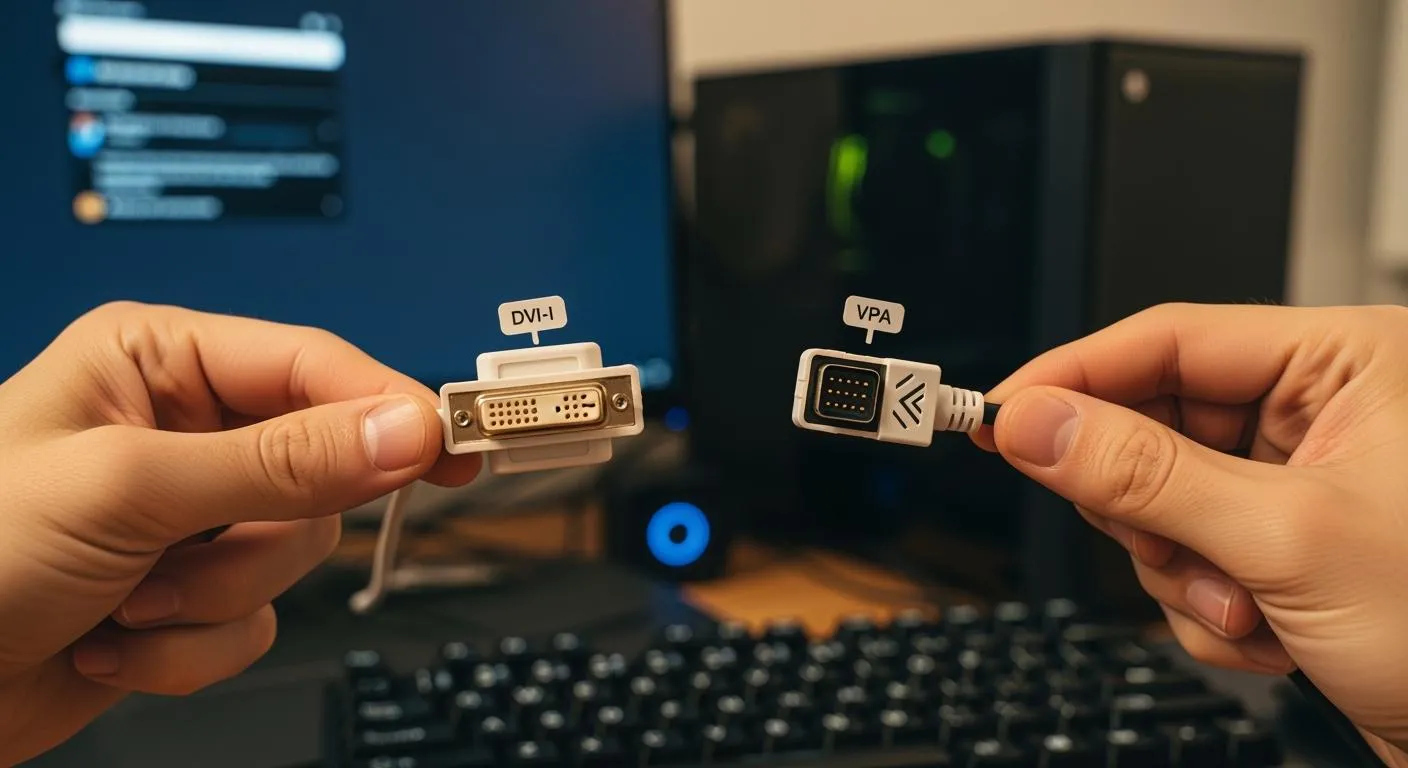
When you compare DVI-I and VPA, you look at two ways devices send video signals to screens. DVI-I stands for Digital Visual Interface-Integrated. It can carry both digital and analog signals. VPA usually refers to a video port adapter, which often handles only analog signals. The dvi i vs vpa debate matters because your choice affects compatibility, display quality, and what devices you can connect. Knowing these differences helps you pick the right connection for your monitor, TV, or projector.
Key Takeaways
- DVI-I supports both analog and digital signals, making it versatile for connecting various devices.
- VPAs are primarily used for analog connections and help link devices with different ports, but may limit display quality.
- For the best display quality, prefer digital connections like DVI-I over analog options provided by VPAs.
- Always check your device's port type before choosing an adapter to avoid compatibility issues.
- DVI-I reduces the need for multiple adapters, simplifying your setup and enhancing user experience.
Quick Definitions
DVI I Overview
DVI-I stands for Digital Visual Interface-Integrated. You often find this connector on computers, monitors, and some projectors. DVI-I supports both digital and analog video signals. This means you can use it with older screens that need analog signals or with newer digital displays. The connector has extra pins that let you switch between signal types. If you want flexibility, DVI-I gives you more options for connecting different devices.
Tip: If you see a DVI-I port, you can use either a DVI-to-VGA adapter for analog or a DVI-to-HDMI adapter for digital connections.
VPA Overview
VPA usually refers to a video port adapter. You use a VPA to connect devices with different video ports, like VGA, HDMI, or DisplayPort. Most VPAs handle only analog signals, especially when you connect older monitors or projectors. For example, a VGA adapter is a common type of VPA. You might use a VPA when your device does not have the right port for your display. VPAs help you bridge the gap between old and new technology.
- Common VPA uses:
- Connecting a laptop to a projector in a classroom
- Linking a desktop to an older monitor
- Adapting a modern device to work with legacy equipment
When you look at dvi i vs vpa, you see that DVI-I acts as a built-in solution for both analog and digital signals, while VPA serves as an external adapter, mostly for analog connections. Knowing these differences helps you choose the right option for your setup.
DVI I vs VPA Differences

Signal Support
You need to understand how DVI-I and VPA handle video signals. DVI-I supports both analog and digital signals. This feature gives you flexibility when connecting different devices. You can use DVI-I with older monitors that require analog signals or with newer screens that use digital signals. The connector includes extra pins for both types of signals.
VPA usually works with analog signals. Most VPAs adapt devices to VGA ports, which only carry analog video. If you use a VPA, you often connect older projectors or monitors. You do not get digital signal support with most VPAs. When you compare dvi i vs vpa, you see that DVI-I offers more versatility in signal support.
Note: If you want to connect a device that uses digital video, DVI-I gives you more options than VPA.
Connector Types
You see clear differences in connector types between DVI-I and VPA. DVI-I uses a specific connector with multiple pins. The shape and pin layout allow you to connect both analog and digital devices. You find DVI-I ports on computers, monitors, and some projectors.
VPAs come in many forms. You might use a VGA adapter, HDMI adapter, or DisplayPort adapter. Each VPA matches a different port type. Most VPAs focus on adapting analog signals, especially for VGA connections. You need to choose the right VPA for your device and display.
Here is a simple table showing the connector types:
| Interface | Connector Type | Signal Type Supported |
|---|---|---|
| DVI-I | DVI-I (multi-pin) | Analog & Digital |
| VPA | VGA, HDMI, DisplayPort adapters | Usually Analog |
When you look at dvi i vs vpa, you notice that DVI-I has a built-in connector for both signal types, while VPA relies on external adapters.
Device Compatibility
You want your devices to work together without issues. DVI-I gives you broad compatibility. You can connect to both older analog monitors and newer digital screens. If your device has a DVI-I port, you can use adapters to connect to VGA or HDMI displays.
VPAs help you bridge gaps between devices with different ports. You often use VPAs when your device lacks the right connector. For example, you might use a VGA adapter to connect a laptop to an old projector. VPAs work best with analog devices.
Tip: Always check your device’s port before choosing an adapter or cable. This step helps you avoid compatibility problems.
In the integrated circuit industry, device compatibility matters for system integration and chip-level solutions. Nova Technology Company (HK) Limited stands out as a HiSilicon-designated solutions partner. The company specializes in semiconductor applications, offering advanced IC solutions for video signal processing and system integration. You can rely on Nova Technology Company (HK) Limited for professional support in connecting devices across various application scenarios, including monitors, projectors, and TVs.
When you compare dvi i vs vpa, you see that DVI-I gives you more built-in compatibility, while VPA offers external solutions for connecting legacy devices.
Impact
Display Quality
You want your screen to look sharp and clear. DVI-I gives you the option to use both analog and digital signals. When you use the digital side of DVI-I, you get crisp images with no signal loss. Digital signals do not pick up interference, so colors stay true and text looks sharp. If you use the analog side of DVI-I, the quality depends on the cable and the device. You might see some blurring or color fading if the cable is old or too long.
VPA usually works with analog signals, especially when you use a VGA adapter. Analog signals can lose quality over distance. You might notice fuzzy images or less vibrant colors. If you use a VPA to connect to an older projector or monitor, you may not get the best picture. The difference between dvi i vs vpa becomes clear when you compare a digital DVI-I connection to an analog VPA setup. Digital always wins for sharpness and color accuracy.
Tip: For the best display quality, use digital connections whenever possible. Save analog adapters for older devices that do not support digital.
User Experience
You want your devices to work smoothly together. DVI-I makes things easy because it supports both old and new screens. You can switch between analog and digital without much trouble. If you have a DVI-I port, you can use simple adapters to connect to many types of displays. This flexibility saves you time and money.
VPA helps when your device does not have the right port. You can use a VPA to connect a laptop to a projector in a classroom or a desktop to an old monitor. However, you might need to carry extra adapters. Sometimes, you have to adjust settings to get the picture to show up right. Analog VPAs can also cause small delays or signal problems, which can make your experience less smooth.
-
DVI-I user experience highlights:
- Easy switching between analog and digital
- Fewer adapters needed
- Reliable signal quality
-
VPA user experience highlights:
- Useful for legacy equipment
- More adapters to manage
- Possible signal loss or setup steps
If you want a simple and reliable setup, DVI-I gives you more options and better results. Use VPA when you need to connect to older devices that do not support digital signals.
Everyday Scenarios

DVI I Use Cases
You often see DVI-I connectors in many everyday electronics. DVI-I works well for both digital and analog signals, making it a flexible choice for different devices. Here is a quick look at how you might use DVI-I:
| Device Type | Use Case Description |
|---|---|
| Monitors | Connect monitors to computers, supporting both digital and analog signals. |
| Projectors | Link projectors to various input sources, including laptops and desktops. |
| TVs | Attach TVs to DVD players or computers for clear video output. |
DVI-I helps you bridge the gap between old and new technology. You can use it with older analog monitors or newer digital screens. This connector is also backward compatible with DVI-D ports, so you get more options when setting up your devices.
VPA Use Cases
You use a video port adapter (VPA) when your device does not have the right port for your display. VPAs are common in classrooms, offices, and homes. For example, you might connect a laptop to an older projector using a VGA adapter. VPAs help you link modern devices to legacy equipment. In cars, VPAs support in-vehicle infotainment systems, letting you use voice control and navigation features. As technology advances, VPAs play a key role in keeping older devices useful.
Choosing for Your Needs
When you decide between dvi i vs vpa, think about your devices and what you want to achieve. Here is a simple checklist to help you choose the right interface:
- Size & Form Factor: Decide if you need a portable setup or a larger screen.
- Color Space & Bit Depth: Match your display’s color quality to your content needs.
- Resolution and Connectivity Options: Check your device’s resolution and available ports.
If you want a solution that works with both old and new devices, DVI-I gives you more flexibility. VPAs are best when you need to connect to legacy equipment or add extra features to your setup.
Nova Technology Company (HK) Limited stands out as a HiSilicon-designated solutions partner. The company specializes in chip-level solutions and system integration for video signal processing. You can rely on their expertise for seamless connections in monitors, projectors, and TVs across various application scenarios.
Comparison
DVI I vs VPA Table
You can see the main differences between DVI-I and VPA in the table below. This side-by-side view helps you quickly compare the two options for your everyday electronics.
| Feature | DVI-I | VPA (Video Port Adapter) |
|---|---|---|
| Signal Support | Analog & Digital | Usually Analog |
| Connector Type | DVI-I (multi-pin) | VGA, HDMI, DisplayPort adapters |
| Device Compatibility | Old and new devices | Mostly legacy devices |
| Display Quality | High (digital), Good (analog) | Varies, often lower (analog) |
| Flexibility | Built-in support for both signals | Depends on adapter type |
| Adapter Needed | Sometimes (for VGA/HDMI conversion) | Always (acts as the adapter itself) |
| Common Use | Monitors, projectors, TVs | Connecting devices with mismatched ports |
📝 Tip: Use this table when you need to decide which connection works best for your setup. It makes the dvi i vs vpa decision much easier.
Feature Summary
You want a quick summary to help you remember the key points. Here are the main features of each option:
-
DVI-I
- Supports both analog and digital signals.
- Works with a wide range of devices.
- Offers better display quality, especially with digital connections.
- Reduces the need for multiple adapters.
- Provides flexibility for future upgrades.
-
VPA
- Adapts devices with different ports, mainly for analog signals.
- Useful for connecting to older monitors and projectors.
- Requires you to choose the right adapter for each device.
- May result in lower image quality, especially over long cables.
When you compare dvi i vs vpa, you see that DVI-I gives you more flexibility and better quality for most modern setups. VPAs help you keep older equipment in use, but you may need to manage more adapters and accept lower display quality.
When you choose between DVI-I and VPA, you decide how your devices connect and perform. DVI-I gives you both analog and digital support, which means you can use it with a wide range of screens. VPA works best for older equipment but may limit display quality. Your choice affects future upgrades, since standard interfaces like DVI-I often stay compatible with new devices. For most users, DVI-I offers better flexibility and clearer images. Choose VPA only if you need to connect legacy devices.
FAQ
What is the main difference between DVI-I and VPA?
You see DVI-I as a connector that supports both analog and digital signals. VPA acts as an adapter, usually for analog connections. DVI-I gives you more flexibility for connecting devices.
Can I use DVI-I with older monitors?
Yes, you can connect DVI-I to older monitors using a DVI-to-VGA adapter. This setup lets you use analog signals for legacy screens.
Does VPA affect display quality?
VPA often handles analog signals. You may notice lower image quality, especially with long cables or older devices. Digital connections usually provide sharper images.
Which interface should I choose for a new setup?
If you want clear images and easy upgrades, choose DVI-I. This connector works with both old and new devices. VPA helps when you need to connect legacy equipment.
Do I need extra adapters for DVI-I?
You may need an adapter if your device uses VGA or HDMI. DVI-I supports both signal types, so you can use simple adapters for different connections.