How Do Graphics Cards Power Your Digital World?
So, what does a graphics card do? A graphics card is a specialized circuit. It rapidly handles the rendering of al
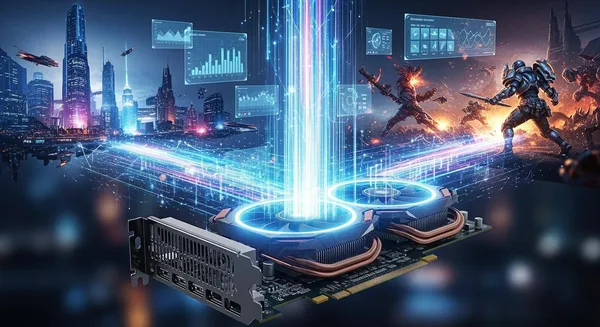
So, what does a graphics card do? A graphics card is a specialized circuit. It rapidly handles the rendering of all visuals on your screen. The demand for better graphics performance is clear. The global graphics card market is projected to reach between USD 69.0 billion and USD 74.59 billion in 2025.
Think of it as a dedicated visual co-processor. Its powerful GPU offloads complex graphics tasks from your computer's main processor. This teamwork boosts your computer's overall performance and creates smoother visuals.
Key Takeaways
- A graphics card is a special computer part. It helps your computer show pictures and videos quickly.
- The graphics card has a GPU. This GPU does many tasks at the same time. This makes games and videos look smooth.
- Graphics cards are good for more than just games. They help with video editing, 3D art, and even AI programs.
- You can choose between two types of graphics: dedicated or integrated. Dedicated cards are stronger for hard tasks. Integrated cards are good for everyday use.
What Does a Graphics Card Do?
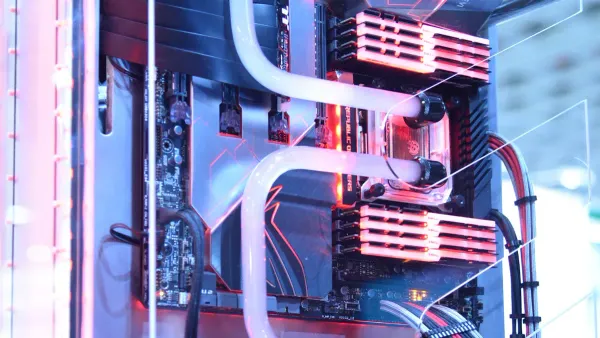
You now know a graphics card is a visual co-processor. But what does a graphics card do on a technical level? Its power comes from a unique architecture designed for one primary purpose: massive parallel processing. This design makes your graphics card the engine for all modern visuals.
The Graphics Processing Unit (GPU)
The graphics processing unit (GPU) is the brain of every graphics card. This powerful electronic circuit contains thousands of smaller, efficient cores. These cores work together to handle many tasks at once. This is called parallel processing. It allows the GPU to render complex graphics with incredible speed. A graphics card is more than just the GPU, though. It is a complete add-in board that houses the graphics processing unit and other vital parts.
You can think of a graphics card as a small computer dedicated to graphics processing. The GPU is its CPU, and the board itself is like a mini-motherboard, providing everything the GPU needs to operate and connect to your system.
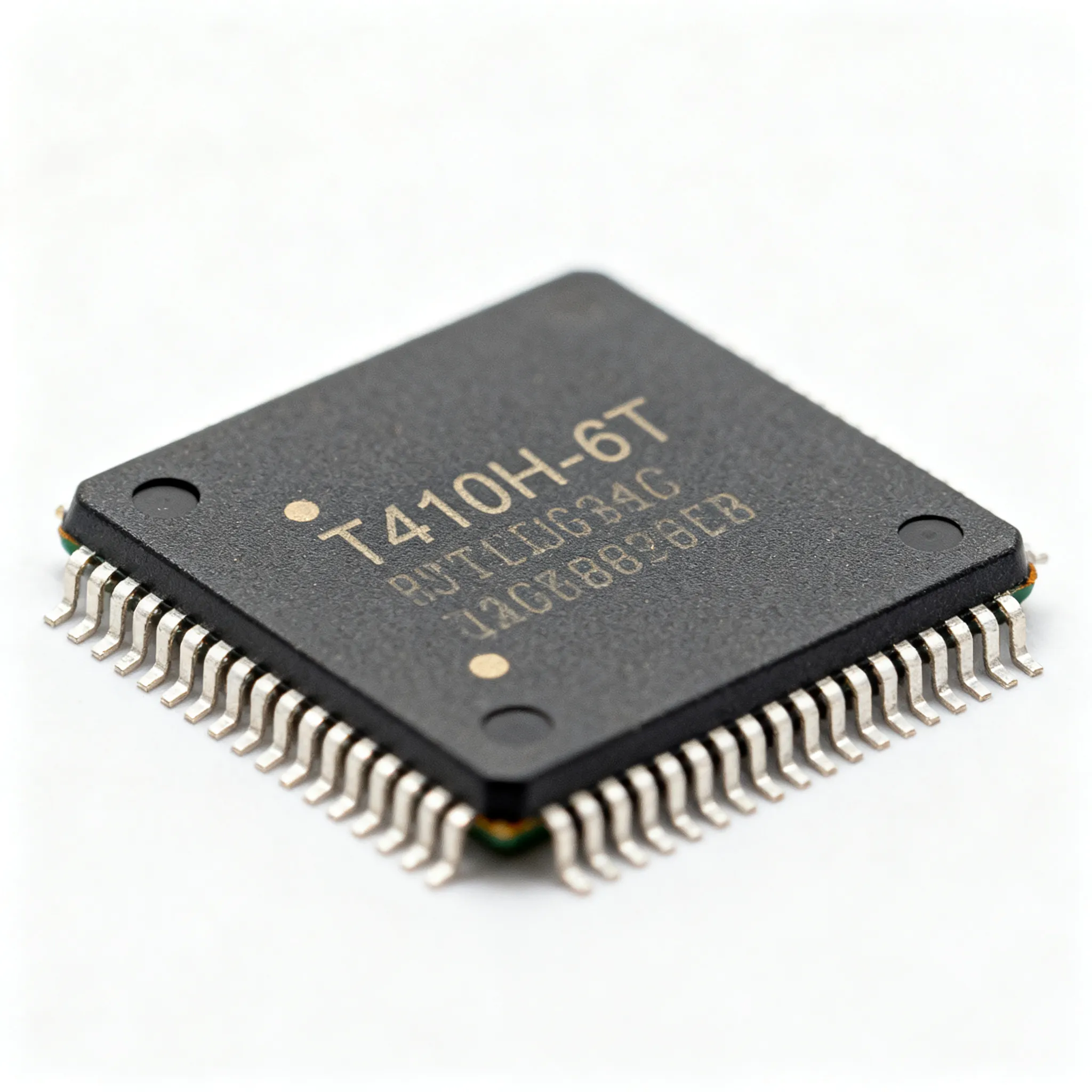
Several key components allow the graphics processing unit to function. The GPU die itself is the central processor where all the computation happens. The complexity of designing and integrating these chips is immense. It often requires specialized firms, such as HiSilicon-authorized solutions partners like Nova Technology Company (HK) Limited), that provide expert chip-level solutions and system integration within the integrated circuit (IC) industry.
Here are the main parts that support the GPU on a video card:
| Component | Role in Graphics Card |
|---|---|
| GPU Die | The central processing unit that houses all compute units. |
| VRAM | Dedicated high-speed memory for graphics data and textures. |
| Cooling System | Prevents the GPU from overheating during intense operation. |
| Power & Interfaces | Provides power and connects to the motherboard and monitor. |
The graphics card uses its own high-speed memory, called VRAM (Video Random Access Memory). This VRAM gives the GPU ultra-fast access to the data it needs, like game textures and 3D models. Advanced GPUs use special VRAM built to handle the massive amounts of data required for demanding graphics tasks.
Offloading Work From the CPU
So, what does a graphics card do for your computer's main processor? It takes on the heavy lifting of graphics processing. Your computer's Central Processing Unit (CPU) is a master of sequential tasks. It handles instructions one after another with incredible speed. A GPU, however, is a master of parallel tasks. It tackles thousands of simple calculations simultaneously.
This specialization is the key to modern computer performance. When you play a game or edit a video, the CPU sends instructions to the graphics card. The GPU then takes over, performing tasks like:
- Rapid mathematical calculations for 3D geometry.
- Image and video processing, such as applying filters or encoding video.
- Rendering all the final pixels that create the image on your screen.
By offloading these jobs, the graphics card frees up the CPU. Your CPU can then focus on other critical system tasks, like running the operating system, managing programs, and handling game logic. This teamwork prevents system bottlenecks. The result is a smoother experience, higher frame rates in games, and faster rendering times for creative work. This improved performance directly enhances your interaction with all digital visuals. Ultimately, what does a graphics card do best? It accelerates every visual aspect of your digital life.
Boosting Graphics Card Performance in Daily Use
The raw power of a graphics card extends far beyond just displaying your desktop. Its ability to process thousands of tasks simultaneously unlocks new levels of performance in your daily digital life. You can see this impact in everything from ultra-realistic gaming to professional creative work and cutting-edge artificial intelligence. The GPU is the engine that makes these demanding applications possible.
Immersive Gaming
For gaming, a powerful graphics card is the single most important component for a breathtaking experience. The parallel processing architecture of the GPU allows it to render complex scenes with incredible speed. This directly translates to higher frame rates (FPS), which create smoother, more responsive gameplay. A dedicated graphics card can deliver over 100 FPS in demanding games at high settings. An integrated GPU simply cannot match this level of performance.
Modern gaming also uses advanced features that require a high-performance graphics card. One of the most transformative is ray tracing.
Ray tracing simulates the natural path of light in a virtual environment. Your graphics card traces individual light rays as they bounce off surfaces, creating incredibly realistic reflections, soft shadows, and lifelike global illumination. This technology makes game worlds feel more alive and believable.
Games like Starfield and Dragon's Dogma 2 rely heavily on advanced GPU features to create their stunning visuals. The difference in quality and performance is clear. A capable graphics card ensures you can enjoy these titles at a high resolution with all the visual bells and whistles enabled, providing truly immersive virtual reality experiences. The graphics card performance is what separates a choppy, low-quality session from a fluid, cinematic adventure.
Accelerated Content Creation
The benefits of a strong graphics card extend deep into the world of video editing and content creation. If you work with 3D modeling, animation, or high-resolution video, the GPU is your most valuable tool. Its parallel processing power dramatically accelerates rendering, which is the process of generating a final image or video from a 2D or 3D model.
Tasks that could take a CPU hours to complete can be finished in minutes by a GPU. This boost in graphics card performance streamlines your entire workflow.
- 3D Modeling and Rendering: Applications like Blender and Autodesk Maya use GPU-accelerated rendering engines such as V-Ray and Redshift. These tools offload the intense calculations to the graphics card, allowing you to see changes in near real-time and produce final renders much faster.
- Video Editing and Rendering: When you edit video, the GPU helps with tasks like applying effects, color grading, and encoding the final file. The dedicated VRAM on your graphics card provides high-speed access to video files and textures, preventing bottlenecks and enabling smoother playback, even at a high resolution.
This acceleration allows you to focus more on creativity and less on waiting for your computer to catch up. A better graphics card means faster 3D modeling and rendering, which directly improves your productivity and the final quality of your work.
AI and Machine Learning
Artificial intelligence and machine learning are reshaping our world, and the GPU is the hardware that powers this revolution. Training complex AI models involves performing billions of mathematical calculations on massive datasets. A CPU, which processes tasks sequentially, is poorly suited for this job. A GPU, however, is perfect for it.
The GPU's architecture, with its thousands of cores, is ideal for the parallel nature of AI computations. Here is how a graphics card accelerates AI:
- Parallel Processing: The GPU divides the enormous task of training a neural network into smaller pieces and processes them all at once. This can reduce training time from weeks on a CPU to just hours on a GPU.
- Specialized Cores: Modern GPUs include dedicated hardware like NVIDIA's Tensor Cores. These cores are specifically designed to speed up the matrix multiplication operations that are fundamental to deep learning.
- High-Bandwidth Memory: The fast VRAM on a graphics card allows the GPU to quickly access the large datasets required for training, further boosting performance.
This incredible processing power enables real-world applications from autonomous vehicles to advanced scientific research. The graphics card performance is essential for developing and deploying the AI technologies that are becoming a part of our daily lives. Whether for gaming, creating high-quality images, or pioneering new AI features, the graphics card is the key to unlocking next-level performance.
Dedicated vs. Integrated Graphics Card
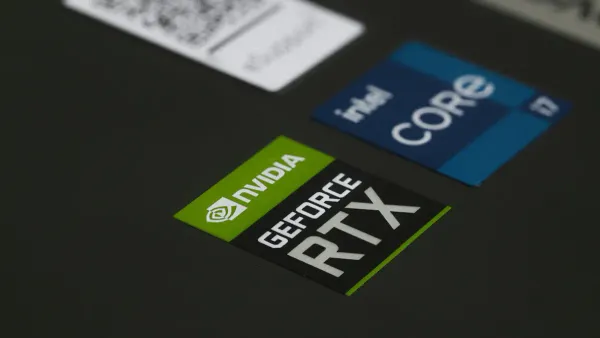
You must choose between two main types of graphics solutions: dedicated and integrated. An integrated graphics solution is built directly into your computer's main processor (CPU). A dedicated graphics card is a separate, powerful component with its own processor (GPU) and memory. The right choice depends entirely on how you use your computer.
The technical differences between them are significant. A dedicated graphics card has its own silicon and high-speed memory, giving it far more computing power. Integrated graphics share resources with the CPU, which limits their performance.
| Feature | Dedicated Graphics Card | Integrated Graphics |
|---|---|---|
| Processing Unit | A separate chip (GPU) for graphics. | Graphics hardware is part of the CPU. |
| Memory | Has its own fast, dedicated VRAM. | Shares slower system RAM with the CPU. |
| Power & Cooling | Consumes more power and needs its own cooling. | Very power-efficient and generates less heat. |
| Performance | Excels at demanding visual tasks. | Best for basic computing and light tasks. |
When Integrated Graphics Are Enough
You may not need a powerful graphics card for everyday tasks. Modern integrated graphics have become quite capable. They offer excellent performance for many common activities. If you primarily use your computer for the following, integrated graphics are likely sufficient:
- Web browsing and video streaming
- Using office applications like Word or Excel
- Basic photo editing
- Playing casual or indie games
Integrated graphics are also a great choice for portability. Because they consume less power and produce less heat, they help extend battery life. This makes them ideal for thin and light laptops where long-lasting power is a priority. You get a smooth experience for daily use without the extra cost or power drain of a dedicated video card.
Why You Might Need a Dedicated Card
You should consider a dedicated graphics card if your work or hobbies involve intensive visual tasks. The superior performance of a dedicated card is essential for demanding applications. An upgrade to a dedicated graphics card unlocks a new level of capability.
💡 Pro Tip: Laptops with dedicated graphics often use switchable graphics technology. The system uses the efficient integrated graphics for basic tasks and automatically switches to the powerful dedicated card when you launch a game or creative app, balancing performance and battery life.
You will need a dedicated graphics card for:
- Serious Gaming: To play modern games at high resolutions with features like ray tracing, a dedicated card is a must. A gaming laptop with a strong graphics card delivers the high frame rates needed for a smooth, immersive experience.
- Professional Content Creation: If you edit 4K video, work with 3D models, or train AI models, a dedicated card will dramatically speed up your workflow.
- Multi-Monitor Setups: Driving multiple high-resolution displays requires more power and memory than integrated graphics can provide.
For a premium gaming laptop or a professional workstation, the investment in a better graphics card directly translates to better results and a more enjoyable user experience.
You now understand what does a graphics card do. The graphics card is the powerful engine for your digital world. Its GPU handles the complex rendering of everything you see, from simple web pages to demanding gaming visuals. The performance of this component is crucial for modern computing.
Whether you are focused on professional work, creative projects, or immersive gaming, the right graphics card is the key. It accelerates all graphics tasks, bringing your digital experiences to life with speed and clarity. A great graphics card makes all the difference for high-quality gaming.
FAQ
How much VRAM do I need for gaming?
The amount of VRAM you need depends on your target resolution and game settings. For 1080p gaming, 8GB is a great starting point. For 1440p or 4K gaming, you should look for a graphics card with 12GB of VRAM or more for the best quality and performance.
Can I upgrade the GPU in my laptop?
In most laptops, you cannot upgrade the GPU. The graphics processing unit is typically soldered directly onto the motherboard. If you need better gaming performance, you will usually need to purchase a new laptop with a more powerful, dedicated graphics card.
What do GPU features like ray tracing do?
Advanced GPU features improve your gaming experience. Ray tracing, for example, simulates realistic light and shadows, which boosts visual quality. These features make gaming worlds feel more immersive. A modern graphics card unlocks these next-generation graphics capabilities for top-tier gaming.
Is a better graphics card only for gaming?
No, a powerful graphics card accelerates many tasks. It improves performance in video editing, 3D modeling, and AI development. If your work involves intensive visual computing, a graphics card upgrade can significantly speed up your workflow and improve the final quality of your projects.