The Ultimate Guide to Microcontroller Applications: Trends and Buying Tips for Professionals
Expert guide on The Ultimate Guide to Microcontroller Applications: Trends and Buying Tips for Professionals. Technical specs, applications, sourcing tips for engineers and buyers.
Introduction
In today's rapidly evolving technological landscape, microcontrollers play a critical role in a wide array of applications, from consumer electronics to industrial automation. As the backbone of embedded systems, these versatile components offer the computational power and flexibility needed to meet diverse engineering challenges. According to the Semiconductor Industry Association, the global semiconductor market is projected to reach $595.2 billion by 2026, underscoring the significant growth and demand for microcontroller-based solutions. This article explores the latest trends, provides comprehensive buying tips, and delves into the technical nuances that professionals must consider when selecting microcontrollers for their projects.
Technical Overview
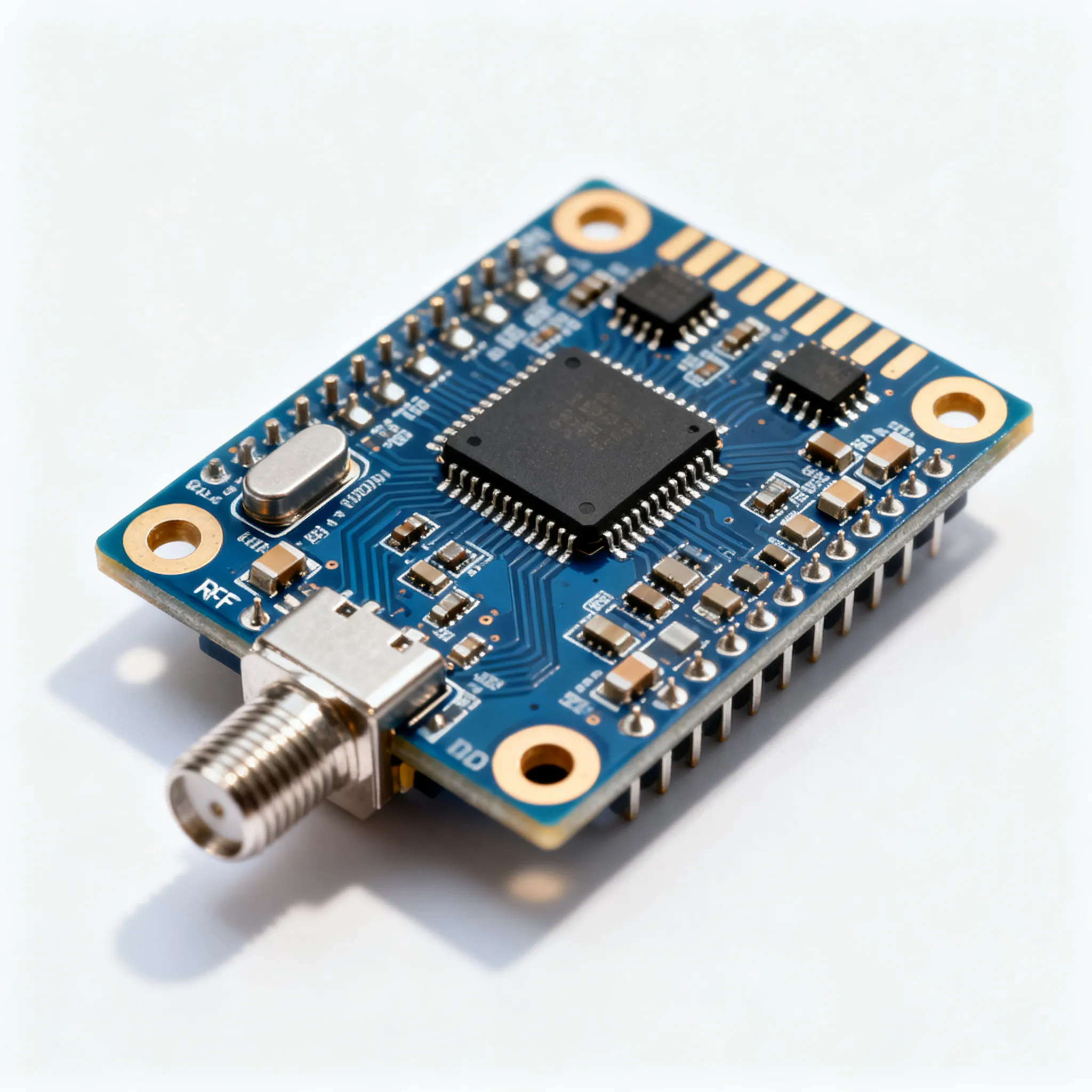
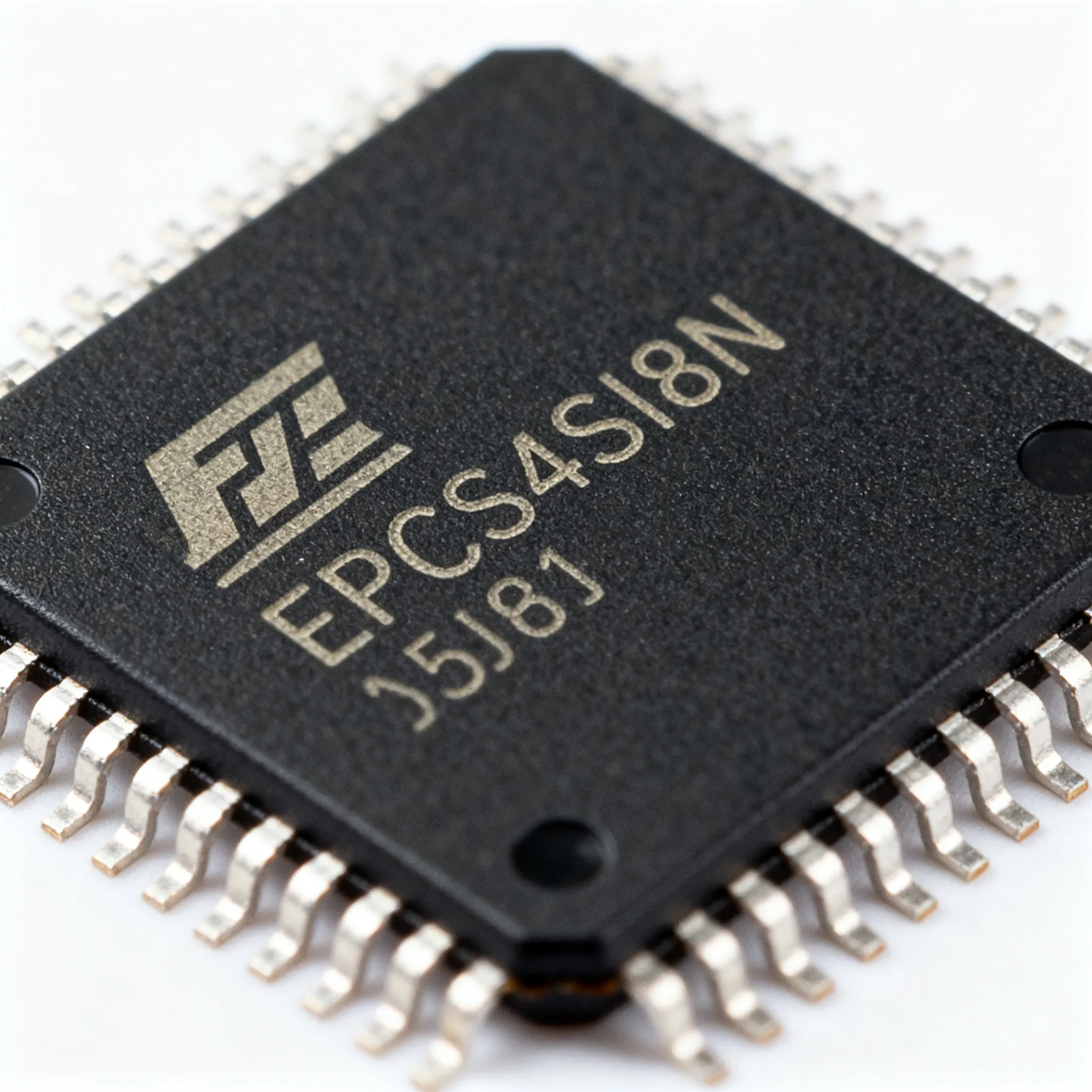
Microcontrollers are integral components that combine a processor, memory, and peripherals in a single chip, often optimized for specific control applications. They are used in everything from household appliances to automobiles, making them indispensable in the electronics industry. The architecture of a microcontroller typically includes a central processing unit (CPU), random access memory (RAM), read-only memory (ROM), input/output (I/O) ports, and timers. These components work together to execute programmed instructions, interact with external devices, and process data.
One of the key principles behind microcontrollers is their ability to operate in real-time environments. This means they can process inputs and produce outputs almost instantaneously, a crucial feature for applications requiring precise timing and control. Additionally, microcontrollers are designed to be energy-efficient, making them suitable for battery-powered devices. The choice of a microcontroller often depends on factors such as processing power, memory capacity, I/O capabilities, and power consumption, which vary widely across different models and manufacturers.
Detailed Specifications
| Parameter | Value | Units | Notes |
|---|---|---|---|
| Operating Voltage | 1.8 - 5.5 | V | Typical range for general-purpose MCUs |
| CPU Speed | 16 - 120 | MHz | Varies by application requirement |
| Flash Memory | 32 - 256 | KB | Storage for program code |
| RAM | 2 - 32 | KB | Volatile memory for data storage |
| EEPROM | 0.5 - 4 | KB | Non-volatile memory for data retention |
| GPIO Pins | 8 - 40 | Pins | General-purpose input/output |
| ADC Resolution | 8 - 12 | Bits | Analog-to-digital conversion precision |
| PWM Channels | 4 - 12 | Channels | Pulse width modulation outputs |
| Communication Interfaces | UART, SPI, I2C | - | Common interface protocols |
| Power Consumption | 0.2 - 1.5 | mA | Current draw in active mode |
The table above outlines the electrical specifications of typical microcontrollers used in various applications. The operating voltage range ensures compatibility with different power sources, while the CPU speed and memory capacities directly impact the performance and complexity of tasks the microcontroller can handle. GPIO pins, ADC resolution, and communication interfaces provide flexibility in connecting and interacting with other devices. Power consumption is a critical factor, especially for battery-operated applications, and must be carefully considered to ensure energy efficiency.
| Parameter | Value | Units | Notes |
|---|---|---|---|
| Operating Temperature | -40 to 85 | °C | Industrial grade range |
| Storage Temperature | -55 to 150 | °C | Safe storage conditions |
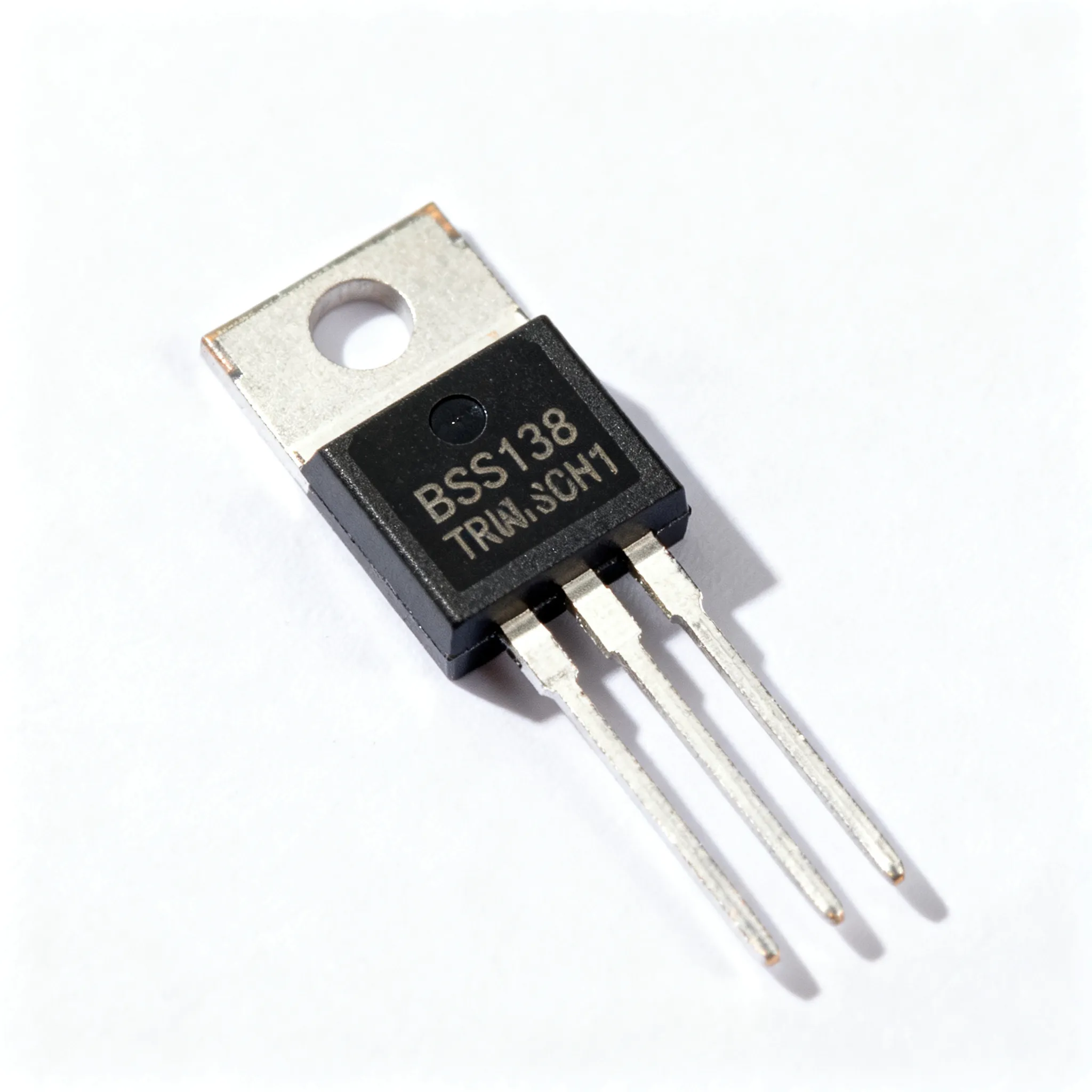
| Package Type | SMD, DIP | - | Surface mount or through-hole |
| Dimensions | 4x4 to 14x14 | mm | Package size |
| Weight | 0.1 - 0.5 | g | Varies by package type |
| Lead Finish | Matte Tin | - | RoHS compliant |
| Thermal Resistance | 20 - 50 | °C/W | Junction to ambient |
| Moisture Sensitivity Level | Level 3 | - | JEDEC standard |
The thermal and mechanical specifications highlighted here are crucial for ensuring the reliability and durability of microcontrollers in various environments. Operating and storage temperature ranges are particularly important for industrial and automotive applications, where extreme conditions are common. Package type and dimensions affect the physical integration of the microcontroller into the overall system design, while thermal resistance and moisture sensitivity levels are key to maintaining performance and preventing damage during assembly and operation.
| Application | Recommended MCU | Features | Notes |
|---|---|---|---|
| Home Automation | ATmega2560 | High I/O, multiple interfaces | Ideal for smart home systems |
| Wearable Devices | MSP430FR2433 | Low power, compact size | Suited for battery-operated gadgets |
| Industrial Control | STM32F407 | High processing power | Suitable for complex automation |
| Automotive Systems | XC2336B | Robust and reliable | Meets automotive standards |
| IoT Devices | ESP8266 | Wi-Fi enabled, cost-effective | Great for connected devices |
This application comparison table helps professionals identify suitable microcontrollers for specific use cases. Each recommended MCU comes with distinct features tailored to its application, such as high I/O count for home automation or low power consumption for wearable devices. By selecting the right microcontroller, engineers can optimize their designs for performance, cost, and functionality.
Design Considerations
When designing systems with microcontrollers, several key considerations must be taken into account to ensure optimal performance and reliability. Firstly, the choice of microcontroller should align with the application requirements in terms of processing power, memory, and peripheral interfaces. Over-specification can lead to unnecessary cost increases, while under-specification may result in performance bottlenecks.
Power management is another critical aspect, particularly for battery-powered devices. Engineers should evaluate the microcontroller's power consumption in different modes (active, sleep, idle) and implement strategies such as dynamic voltage scaling or clock gating to reduce energy usage. Additionally, selecting a microcontroller with integrated power-saving features can significantly extend battery life.
Thermal management is essential to prevent overheating and ensure long-term reliability. Proper heat dissipation techniques, such as using heat sinks or thermal pads, should be considered, especially in high-power applications. The thermal resistance of the microcontroller package, as indicated in the datasheet, provides valuable information for designing effective thermal solutions.
Another important consideration is the development ecosystem. The availability of development tools, libraries, and support resources can greatly influence the ease and speed of development. Choosing a microcontroller with robust documentation and active community support can reduce development time and facilitate troubleshooting.
Lastly, scalability and future-proofing are vital for long-term success. Opting for a microcontroller family with a range of pin-compatible devices allows for easy upgrades and scalability as project requirements evolve. This flexibility can save significant time and resources in future design iterations.
Step-by-Step Guide
Designing a microcontroller-based system involves several key steps, each critical to ensuring a successful implementation. Below is a step-by-step guide to help professionals navigate the design process:
- Define Application Requirements: Begin by clearly defining the application's functional and performance requirements. Consider factors such as processing power, memory needs, input/output requirements, and communication interfaces. This step lays the foundation for selecting the most suitable microcontroller.
- Select the Microcontroller: Use the defined requirements to shortlist potential microcontrollers. Evaluate the electrical, thermal, and mechanical specifications, and consider the availability of development tools and support resources. Ensure the chosen microcontroller meets both current and future needs.
- Design the Circuit: Create a schematic diagram of the system, incorporating the selected microcontroller, power supply, sensors, actuators, and other components. Pay attention to power distribution, signal integrity, and noise reduction techniques to ensure reliable operation.
- Develop the Firmware: Write the firmware code to control the microcontroller and interact with connected devices. Utilize available libraries and development environments to streamline the coding process. Thoroughly test the firmware to verify functionality and performance.
- Prototype the Design: Build a prototype of the system to validate the design and test its performance in real-world conditions. This step allows for identifying and addressing potential issues before moving to mass production.
- Optimize and Finalize: Analyze the prototype's performance and make necessary adjustments to optimize power consumption, thermal management, and overall efficiency. Once satisfied with the prototype, finalize the design and prepare for production.
- Documentation and Support: Document the design, including schematics, firmware, and testing results. This documentation is essential for future maintenance, troubleshooting, and potential design updates. Provide adequate support resources for end-users and technicians.
Common Issues & Solutions
Despite careful planning and design, engineers may encounter various challenges when working with microcontrollers. Here are some common issues and their solutions:
- Excessive Power Consumption: If the system consumes more power than expected, review the firmware for inefficient code that may cause unnecessary processing. Implement power-saving modes and optimize the clock speed to reduce power draw.
- Signal Interference: Signal interference can lead to erratic behavior in microcontroller systems. Use proper shielding and grounding techniques, and consider using differential signaling for critical communication lines to minimize interference.
- Overheating: Overheating can damage the microcontroller and affect performance. Ensure adequate thermal management through heat sinks, fans, or thermal pads, and verify that the microcontroller operates within its specified temperature range.
- Communication Errors: Communication errors may arise from incorrect baud rates or mismatched protocol settings. Double-check the configuration of communication peripherals and ensure compatibility between devices.
- Firmware Bugs: Bugs in the firmware can cause unexpected behavior. Use debugging tools and techniques to identify and fix errors in the code. Regularly update the firmware to incorporate bug fixes and improvements.
Applications & Use Cases
Microcontrollers are used in a wide variety of applications, each leveraging their unique capabilities to address specific challenges. In home automation, microcontrollers control lighting, HVAC systems, and security devices, enabling smart and energy-efficient homes. In the automotive industry, they manage engine control units (ECUs), airbag systems, and infotainment systems, enhancing vehicle safety and performance.
Wearable devices such as fitness trackers and smartwatches rely on microcontrollers for data collection, processing, and communication with smartphones. In industrial settings, microcontrollers are used in programmable logic controllers (PLCs) to automate manufacturing processes, improving efficiency and reducing downtime.
The Internet of Things (IoT) is another domain where microcontrollers play a pivotal role. They enable connectivity and data exchange between devices, allowing for remote monitoring and control of systems in smart cities, agriculture, and healthcare.
Selection & Sourcing Guide
Selecting the right microcontroller involves careful consideration of application requirements and available options. Professionals can leverage resources such as IC Online to search and source components with competitive pricing and fast delivery. It is essential to choose authorized distributors to ensure authenticity and quality. Availability of datasheets and technical support is also crucial for successful implementation.
FAQ
- What is the difference between a microcontroller and a microprocessor? A microcontroller integrates a CPU, memory, and peripherals on a single chip, designed for specific control tasks. A microprocessor, on the other hand, is a general-purpose CPU that requires external components for operation.
- How do I choose the right microcontroller for my project? Consider factors such as processing power, memory, I/O requirements, power consumption, and the availability of development tools. Match these parameters with your application's needs to select the most suitable microcontroller.
- What are the common programming languages used for microcontrollers? C and C++ are the most common programming languages for microcontrollers, offering a balance between low-level hardware access and higher-level abstraction.
- How can I reduce power consumption in my microcontroller-based design? Implement power-saving modes, optimize firmware for efficiency, and reduce clock speed during inactive periods. Select microcontrollers with built-in power management features.
- What are the typical communication interfaces available in microcontrollers? Common interfaces include UART, SPI, I2C, CAN, and USB, each serving different communication needs and data rates.
- Can I use a microcontroller for high-performance computing tasks? Microcontrollers are not designed for high-performance computing. For such tasks, consider using microprocessors or dedicated hardware accelerators.
- What is the importance of thermal management in microcontroller applications? Proper thermal management ensures that the microcontroller operates within its specified temperature range, preventing overheating and extending its lifespan.
- How do I debug firmware issues in microcontroller systems? Use debugging tools such as in-circuit debuggers and logic analyzers to identify and fix issues in the firmware