Identifying the DC Voltage Symbol on Devices
The symbol for DC voltage is a capital V with a straight line above dashed lines (V⎓). This symbol identifies direct current voltage on devices and tools.
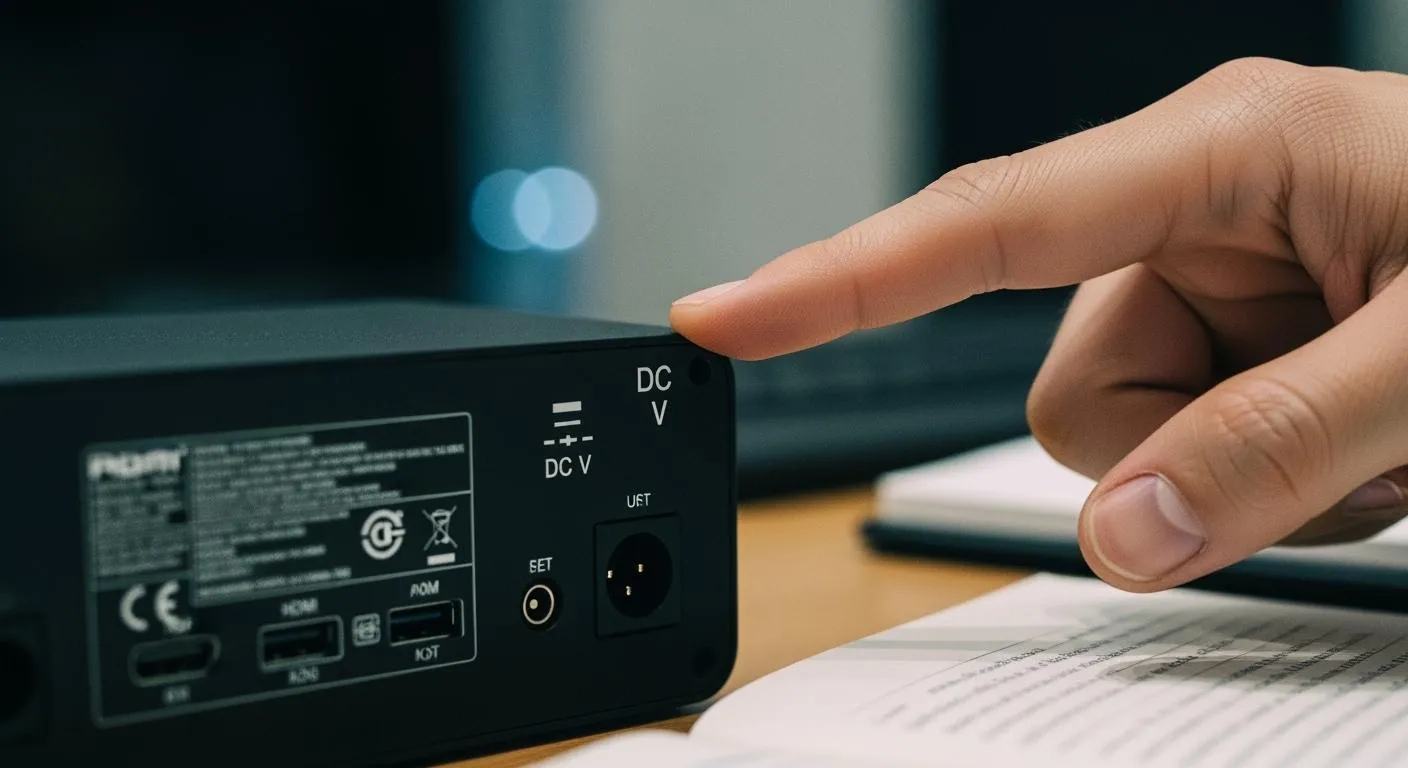
When identifying the dc volt symbol on your device, you often see a capital V next to a straight line above three short dashes. This symbol (V⎓) tells you that the measurement or setting relates to direct current voltage. Electrical engineers use this symbol to show a constant electrical potential in circuits. If you wonder what is the symbol of dc voltage, look for it on tools like multimeters, power supplies, and chargers. Spotting this symbol quickly helps you choose the right setting and avoid confusion.
Key Takeaways
- Look for the DC voltage symbol (V⎓) on devices to identify direct current settings.
- Use the correct setting on multimeters and power supplies to avoid damaging equipment.
- Understand the difference between DC (V⎓) and AC (V~) voltage symbols for safe measurements.
- Practice spotting the DC voltage symbol on various devices to build confidence.
- Always double-check connections and settings before measuring to ensure safety.
What is the Symbol of DC Voltage

DC Voltage Symbol Explained
When you ask what is the symbol of dc voltage, you look for a clear visual sign that tells you the voltage is direct current. The most common dc voltage symbol is a capital V with a straight line above three short dashes, like this: V⎓. This symbol appears on many electronic devices and tools. It helps you know that the voltage is steady and does not change direction.
You can see different ways to show the symbol for dc voltage. The table below shows the main forms you might find:
| Symbol Representation | Description |
|---|---|
| V⎓ | A solid line on top and dashed line underneath the 'V' |
| V-- or V.. | Dashes or dots under the 'V' |
| - V - | Dashes on either side of the 'V' |
| DCV | Spelled out clearly as 'Direct Current Volts' |
The unit for voltage is the volt, written as V. In technical documents, you always see the volt used to measure electric potential. The dc voltage symbol tells you that the voltage stays constant, which means it does not alternate or switch direction.
You might wonder how this symbol became standard. Electrical symbols started to develop when engineers first began working with electricity. Early circuit diagrams were often confusing because there was no standard way to show components. In the late 1800s and early 1900s, groups like the International Electrotechnical Commission (IEC), IEEE, and ANSI worked to make these symbols the same everywhere. This effort made it easier for you to read and understand circuit diagrams.
Circuit Symbol for DC Voltage
When you look at a circuit diagram and ask what is the symbol of dc voltage, you will see a few common signs. The most recognized symbol for dc voltage comes from the IEC standard IEC 60417. You often see the dc voltage symbol as V⎓ on schematics and device labels.
In circuit diagrams, you can find dc voltage sources shown in these ways:
- Battery Symbol: Parallel lines of different lengths. The longer line shows the positive terminal, and the shorter line shows the negative terminal.
- DC Source Symbol: A circle with plus (+) and minus (–) signs to show polarity. Sometimes, you see a simple straight line.
- Measurement Representation: A dotted or solid line over the 'V' means dc voltage. Some devices just use 'DC' or a horizontal line.
You can compare how schematics show dc voltage and other types of voltage in the table below:
| Voltage Type | Symbol Description |
|---|---|
| DC Voltage | Parallel lines of different lengths; longer line is positive, shorter is negative. |
| AC Voltage | Sine wave symbol, which shows the voltage changes direction in a wave pattern. |
When you know what is the symbol of dc voltage, you can read circuit diagrams and device labels with confidence. This skill helps you work safely and choose the right settings on your equipment.
Finding the DC Voltage Symbol
You often need to find the dc voltage symbol when you work with electronic devices. This symbol helps you set your tools correctly and avoid mistakes when measuring dc voltage. You can spot the dc voltage sign on many devices, such as multimeters, power supplies, and chargers. Here are some practical tips to help you locate the right symbol quickly.
On Multimeters
When you use a multimeter, you must select the correct setting for measuring dc voltage. Look for the multimeter dc voltage symbol, which usually appears as a capital V with a straight line above three short dashes. Sometimes, you may see just a V with a solid line or the letters DCV. The dial or display often shows this symbol near the voltage measurement area. If you see a sine wave, that means AC, not dc voltage. Always check the symbol before you start measuring dc voltage to avoid errors.
Tip: If you are unsure, check your multimeter’s manual for a diagram of the dc voltage sign.
On Power Supplies
Power supplies often display the dc voltage symbol near the output terminals or on the front panel. You may see V⎓, V--, or DCV. These labels tell you that the device provides direct current voltage. When you adjust the voltage, make sure you see the correct symbol before connecting your circuit. This step helps you prevent damage to sensitive components.
- Check for the dc voltage sign near the voltage adjustment knob.
- Look for a label that says “Output: DC” or shows the symbol.
On Other Devices
You can also find the dc voltage symbol on chargers, adapters, and some battery-powered equipment. The label might show V⎓ or a similar sign. Always look for this symbol before measuring dc voltage or connecting your device. This habit keeps your equipment safe and ensures accurate readings.
| Device Type | Where to Find the Symbol |
|---|---|
| Multimeter | Dial, display, or manual |
| Power Supply | Output terminals, front panel |
| Charger/Adapter | Label, near voltage information |
Knowing how to find the dc voltage symbol makes measuring dc voltage easier and safer. Practice spotting the symbol on different devices to build your confidence.
DC vs AC Symbols

Symbol for DC Voltage vs AC Voltage
When you work with electronics, you need to know the difference between the DC voltage symbol and the AC voltage symbol. Each circuit symbol tells you about the type of voltage in a device or diagram. The DC voltage symbol uses a straight line with a dash, while the AC voltage symbol uses a tilde (~). These visual cues help you understand if the voltage stays constant or changes direction.
Here is a table to help you compare the two symbols:
| Voltage Type | Symbol | Visual Design Description | Meaning Description |
|---|---|---|---|
| DC Voltage | V⎓ | Straight line with a dash | Indicates constant voltage in a single direction |
| AC Voltage | V~ | Tilde (~) | Reflects alternating voltage that changes direction periodically |
You often see the DC voltage symbol as V⎓ in technical manuals. The AC voltage symbol appears as V~. International standards, like those from the IEC, define these symbols to keep device labeling clear. The circuit symbol for DC voltage may also look like a battery with parallel lines, which shows a steady flow of electric charge. The straight line in the DC circuit symbol means the current flows in one direction only.
Preventing Confusion
You might sometimes mix up the DC and AC voltage symbols, especially if you are new to electronics. Many users confuse the AC voltage symbol (V~) with the DC voltage symbols (V⎓ or V–). This mistake can lead to incorrect probe placement or wrong settings on your multimeter. If you set your tool to the wrong circuit symbol, you may get a zero reading or unstable values.
To avoid confusion, follow these tips:
- Always check your device’s manual to confirm what each circuit symbol means.
- Look for IEC-compliant labels on your equipment and in training materials.
- Practice recognizing both symbols, just like you learn keyboard shortcuts.
- Remember that the straight line or battery symbol means DC, while the tilde means AC.
Tip: Standardized symbols make it easier for you to read diagrams and use devices safely. Take time to learn each circuit symbol so you can work with confidence.
Using the DC Voltage Setting
Setting Up for DC Voltage
When you want to measure or supply dc voltage, you need to set up your device correctly. Start by identifying the dc voltage symbol on your tool. On a multimeter, turn the dial to the section marked with the straight line and dashed line, or the letters DCV. This setting prepares your device for dc voltage measurement. Always connect the black probe to the common (COM) terminal and the red probe to the voltage (V) terminal.
If you use a power supply, check that the output is set to dc voltage. Adjust the voltage knob while watching the display for the correct value. Make sure the symbol matches the one you need. This step prevents mistakes and protects your equipment.
Tip: Always double-check your connections before starting any measurement. A wrong setting can damage your device or give you false readings.
Nova Technology Company (HK) Limited stands out as a HiSilicon-designated solutions partner. The company specializes in chip-level solutions and system integration for advanced semiconductor applications. You can find their technology in smart surveillance, IoT devices, and automotive electronics, where reliable dc voltage control is essential for stable system performance.
Safety Tips
Working with dc voltage requires careful attention to safety. You need to understand the risks and follow best practices to protect yourself and your equipment.
| Safety Guideline | Description |
|---|---|
| Awareness of Risks | Understanding the dangers associated with dc voltage helps you make informed decisions. |
| Regular Maintenance | Businesses should invest in reliable safety mechanisms and perform regular maintenance. |
| Proper Equipment Selection | Choose products that meet safety standards and use high-quality materials. |
Follow these important steps every time you work with dc voltage:
- Always lock out and tag electrical systems before maintenance.
- Double-check that the voltage is secured in a zero state.
- Use a measuring device to check for dangerous voltage before touching any conductors.
Note: Never assume a circuit is safe. Always test before you touch.
Learning how to use the dc voltage setting helps you avoid accidents and ensures accurate results. Practice safe habits every time you perform a dc voltage measurement.
You now know how to spot the DC voltage symbol (V⎓) and why it matters.
- DC voltage stays constant, with current flowing in one direction.
- The DC symbol uses a solid line above dashes, while AC uses a tilde (~).
- Recognizing these symbols helps you measure and troubleshoot safely.
- Using the correct setting protects your equipment and ensures accurate results.
Practice finding these symbols on your devices to build confidence and work safely every time.
FAQ
What does the dc voltage symbol look like on most devices?
You usually see the dc voltage symbol as a capital V with a straight line above three short dashes. This symbol helps you identify dc voltage settings on multimeters, power supplies, and dc power circuit labels in many circuits.
Why is it important to use the correct dc voltage setting?
You must use the correct dc voltage setting to measure or supply voltage safely. Using the wrong setting can damage your device, give false readings, or harm sensitive dc power circuit components in circuits.
Can I use the same setting for dc and ac voltage?
No, you cannot use the same setting. Dc voltage and ac voltage have different symbols and behaviors. Always check your device for the correct symbol before measuring voltage in circuits or working with a dc power circuit.
Where do I find the dc voltage symbol on a multimeter?
You find the dc voltage symbol near the dial or display. Look for a V with a straight line and dashes. This symbol shows you where to set your multimeter for measuring dc voltage in circuits or a dc power circuit.
What happens if I measure dc voltage with the ac setting?
If you measure dc voltage with the ac setting, you may get a zero or unstable reading. Your multimeter will not show the correct voltage. Always use the dc voltage setting for accurate results in circuits and any dc power circuit.