Never Guess About HiSilicon Warranty and After-Sales Again
HiSilicon is a component supplier. It does not provide public warranty and after-sales support. A common misconception is th
HiSilicon is a component supplier. It does not provide public warranty and after-sales support. A common misconception is that the component maker handles repairs. The company that built your final product provides the device's warranty. This guide helps you find the correct point of contact. It saves you time and frustration.
Key Takeaway: The brand name on your device (e.g., the security camera or DVR company) is your contact for all service needs. They manage the entire support process.
Key Takeaways
- HiSilicon makes parts for electronics. It does not give warranties to people who buy the final product.
- The company that made your device gives the warranty. This is the brand name you see on your product.
- To get help, find your product's brand name. Then, check their website for warranty details and how to contact them.
- Always contact the device maker for support. They handle all repairs and customer service for their products.
YOUR GUIDE TO WARRANTY AND AFTER-SALES
Think of the technology world as a large construction project. Different companies have very specific jobs. Understanding these roles helps you get the right support quickly. The relationship between HiSilicon and the company that made your device is a perfect example of this specialization.
HISILICON'S ROLE: THE COMPONENT
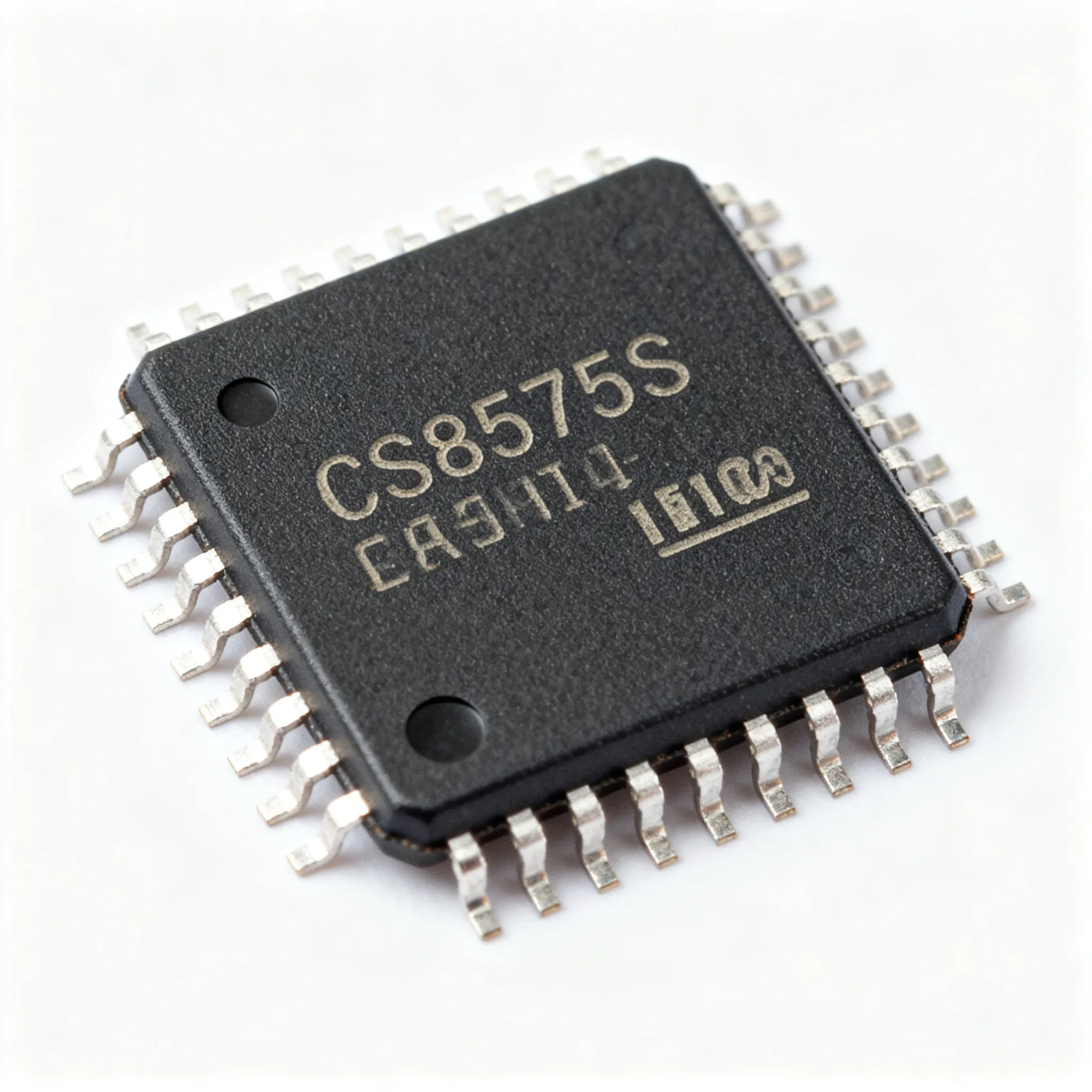
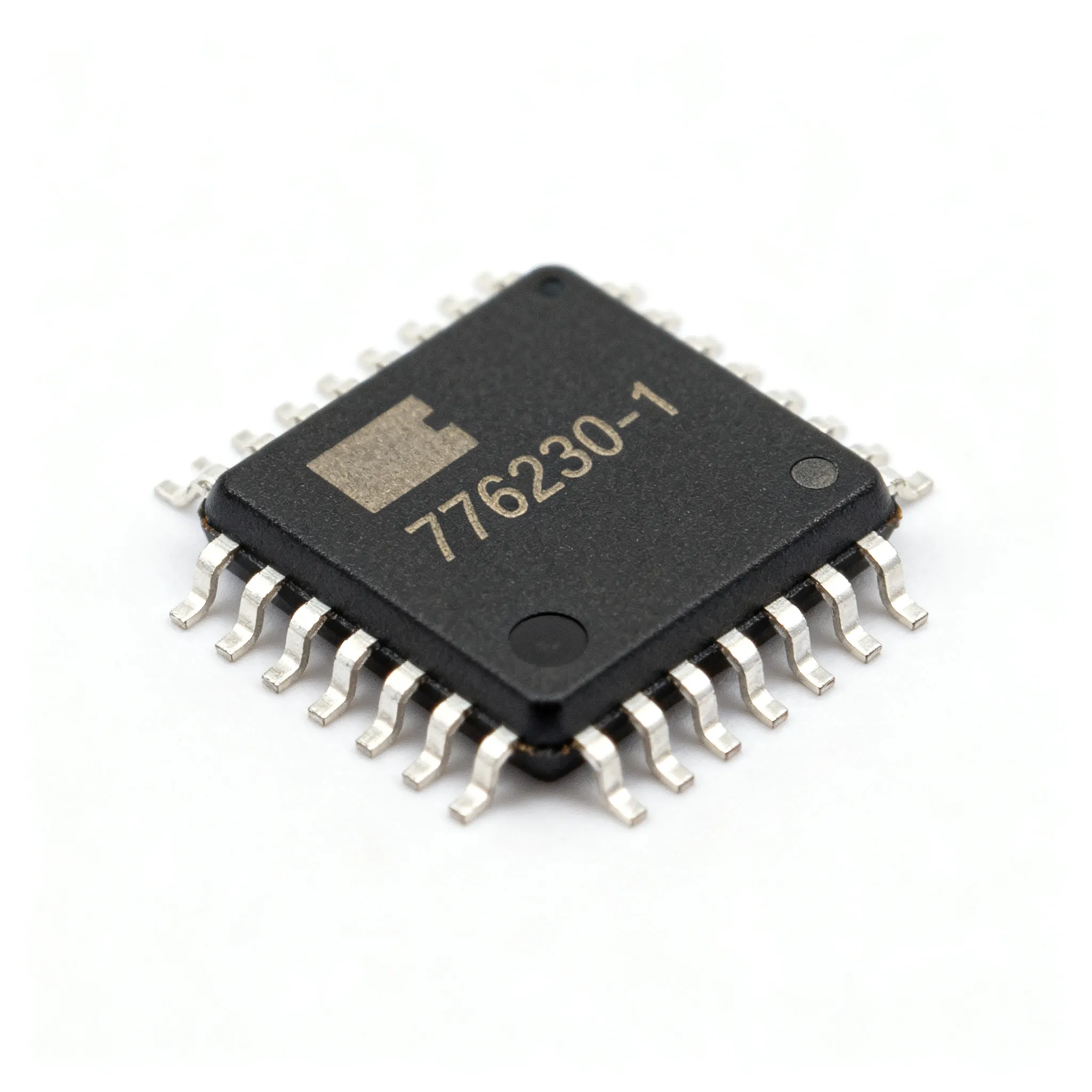
HiSilicon designs and produces powerful processors. These are the brains inside many electronic devices. The company operates as a component supplier. It sells these high-tech parts to other businesses, not to the public. Manufacturers purchase genuine hisilicon chips, often through authorized distributors, to build their own products. HiSilicon's responsibility ends once they deliver the components to the manufacturer. They do not interact with the final user of the device.
Analogy: HiSilicon is like a company that builds excellent car engines. It sells those engines to car manufacturers. If your car has a problem, you contact the car brand (like Ford or Toyota), not the engine maker.
THE MANUFACTURER'S ROLE: THE PROVIDER
The manufacturer is the company whose brand name is on your device. Brands like Hikvision and Uniview build their security systems using genuine hisilicon chips. These companies, known as Original Equipment Manufacturers (OEMs), are your direct providers for all support. They are responsible for the complete warranty and after-sales service.
An OEM's duties typically include:
- Defining the warranty terms for product quality.
- Handling product returns and customer service inquiries.
- Managing all liability for defects or customer claims.
These manufacturers buy genuine hisilicon chips from authorized distributors and integrate them into a finished product. They design the device's body, write the software, and assemble all the parts. Because they build and sell the final product, they are the ones who provide the warranty and after-sales support. They ensure the entire device, including the genuine hisilicon chips inside, functions as promised.
HOW TO GET SUPPORT: A 3-STEP PROCESS
Navigating the after-sales process becomes simple with a clear plan. A user can get effective support by following a structured approach. This three-step process eliminates guesswork and connects the user directly with the party responsible for their device.
STEP 1: IDENTIFY YOUR PRODUCT'S BRAND
This is the most important step. The brand name identifies the company that provides all support. A user must find this name before proceeding.
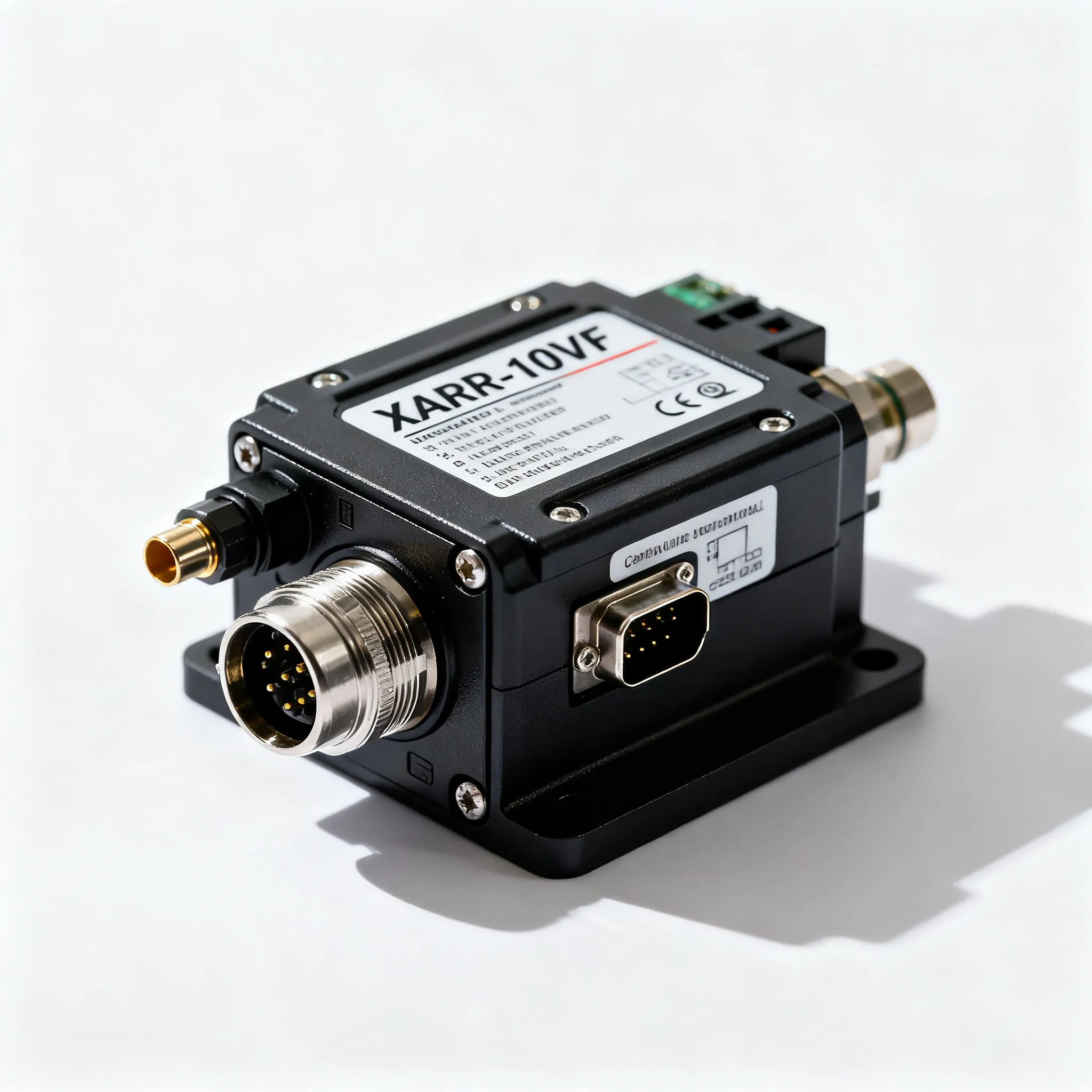
Look for labels or stickers directly on the security camera or DVR. These labels typically show the brand name and model number. The brand name is the key to finding the correct support channel. The model number will be essential when the user contacts the support team. Some manufacturers source their genuine hisilicon chips from authorized distributors, but they are still the primary contact.
Pro Tip: Sometimes, a device may not have a clear brand name, especially with white-label products. In this case, a user can check for a compliance sticker. Many electronic devices sold in the United States have an FCC ID. This is a unique code assigned for regulatory compliance.
A user can identify the manufacturer with this ID:
- Locate the FCC ID on the device's label.
- Visit the official FCC ID search tool online.
- Enter the complete FCC ID code.
- The search results will show details about the product and the company that registered it.
STEP 2: FIND THE WARRANTY DETAILS
Once the user identifies the brand, the next step is to understand the warranty terms. This information sets expectations for what the manufacturer will cover. The user should check the product's user manual or the manufacturer's official website.
A typical warranty policy includes several key sections. Knowing them helps the user understand their rights and the manufacturer's obligations.
- Warranty Period: This specifies how long the coverage lasts, usually from the date of purchase.
- Coverage Details: This part outlines what is covered, such as defects in materials and workmanship.
- Exclusions: It lists what is not covered, like accidental damage or unauthorized repairs.
- Claim Procedure: This section describes the exact steps for making a claim.
In regions like the European Union, consumer rights are even stronger. The European Accessibility Act (EAA) requires that support and warranty information must be accessible. Manufacturers must also provide repair services at a reasonable price, even after the legal guarantee period ends. They must give consumers access to spare parts and repair information. This ensures that a device with genuine hisilicon chips remains functional for its expected lifespan. The manufacturers who purchase genuine hisilicon chips from authorized distributors are bound by these regional laws.
STEP 3: CONTACT MANUFACTURER SUPPORT
With all the information gathered, the final step is to contact the manufacturer. Preparation is key to a smooth and quick resolution. Before reaching out, a user should have all necessary documentation ready.
A support agent will likely ask for the following:
- Product model number and serial number
- Proof of purchase (a receipt or invoice)
- A detailed description of the problem
- Images or videos showing the defect
Manufacturers offer several ways to get in touch. Their official website is the best place to find contact options. Common methods include phone support, email addresses, and online contact forms. Some companies even offer a "Reach me Now" link for direct communication.
| Contact Type | Example Details |
|---|---|
| Phone Number | (859) 885-9658, Ext. 225 |
| Email Address | [email protected] |
| Company Address | 400 Enterprise Drive, Nicholasville, KY 40356 |
When describing the issue, the user should be clear and concise. They can mention the device uses genuine hisilicon chips if it is relevant to the technical fault. Following the manufacturer's claim process is the only path to a successful warranty claim. Reputable manufacturers that use authorized distributors for components like genuine hisilicon chips typically have well-organized support structures to assist their customers.
DECODING THE AFTER-SALE SERVICE POLICY
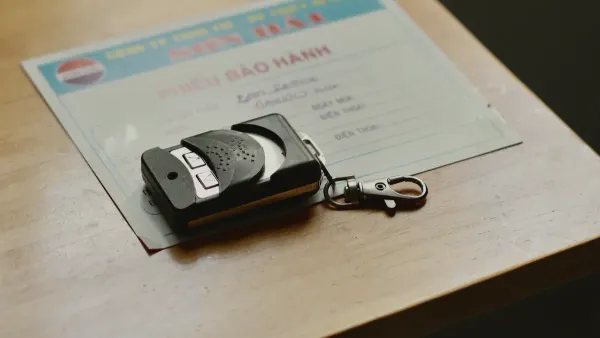
Understanding the manufacturer's after-sale service policy helps a user know what to expect. Each brand sets its own rules for repairs and replacements. These policies are specific to the final product, not the components inside.
WHAT IS TYPICALLY COVERED
Common covered issues include:
- Defective Components: Faulty parts like the motherboard or battery that fail due to a manufacturing error.
- Hardware Failures: Mechanical issues such as a failing hard drive not caused by user error.
- Display Issues: Problems like dead pixels on a screen that affect its function.
Note: Some policies also cover the device's pre-installed software or firmware. For example, a company like Miovision includes its firmware under the same limited warranty as its hardware. This is an example from a specific brand and may not apply to all devices.
COMMON WARRANTY EXCLUSIONS
A warranty does not cover every type of problem. Manufacturers list specific situations, or exclusions, that are not their responsibility. Users should read these carefully.
Common exclusions often involve:
- Accidental damage from drops, spills, or misuse.
- Damage from power surges, floods, or other "acts of God".
- Problems caused by unauthorized repairs or modifications.
- Failure from using accessories not approved by the manufacturer.
- Normal wear and tear from regular use.
Knowing these exclusions helps a user understand why a repair request might be denied.
TYPES OF SUPPORT AVAILABLE
Manufacturers offer several ways to get help. The options available depend on the brand's after-sale service policy. Many companies provide a standard one-year warranty on hardware. For parts replaced during a repair, it is common to see a shorter warranty, such as 90 days.
Support channels may include:
- Remote Support: Technicians assist users over the phone, via email, or through remote visual assistance software.
- Mail-in Repair: A user can ship the device to a service center after getting a Return Merchandise Authorization (RMA) number.
- Extended Service Plans: Some brands offer extra protection for a fee. For instance, a plan like HUAWEI Care can add 12 or 24 months to the standard coverage. This is an example from a device manufacturer and is not a HiSilicon policy.
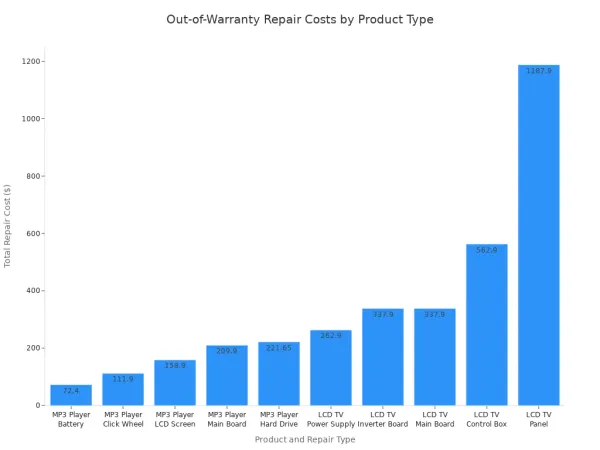
If a device is out of warranty, the manufacturer may still offer paid repair services. The cost will vary based on the product and the specific part that needs fixing.
A user must always contact the final product's manufacturer for any warranty and after-sales needs. They provide the complete product warranty. The manufacturer manages the entire warranty and after-sales process for the device.
Remember: Understanding this key distinction is the fastest way to get effective help. A user now has a clear plan to solve device issues without any guesswork. ✅
FAQ
Why can't a user get a warranty from HiSilicon?
HiSilicon is a component supplier. It sells processors to other companies. It does not sell finished products to the public. The company's business model does not include direct customer support or public warranties for end-users.
Who is responsible for my device's warranty?
The manufacturer of the final product provides the warranty. A user must contact the company whose brand name is on the device. That company manages all after-sales service and support for the entire product.
What if a device has no brand name?
💡 A user can look for an FCC ID on the device's label. They can enter this code into the official FCC ID search tool online. The search results will show the company that registered the product.
What information does a user need for a warranty claim?
A user should prepare key information before contacting support. This includes the product model number, serial number, and proof of purchase. A clear description of the issue helps the support team resolve the problem faster.