What Makes the Flipper Zero Unique in Everyday Use
What does a Flipper Zero do? It reads, emulates, and controls RFID, NFC, and infrared devices, making everyday tech tasks simpler and more secure.
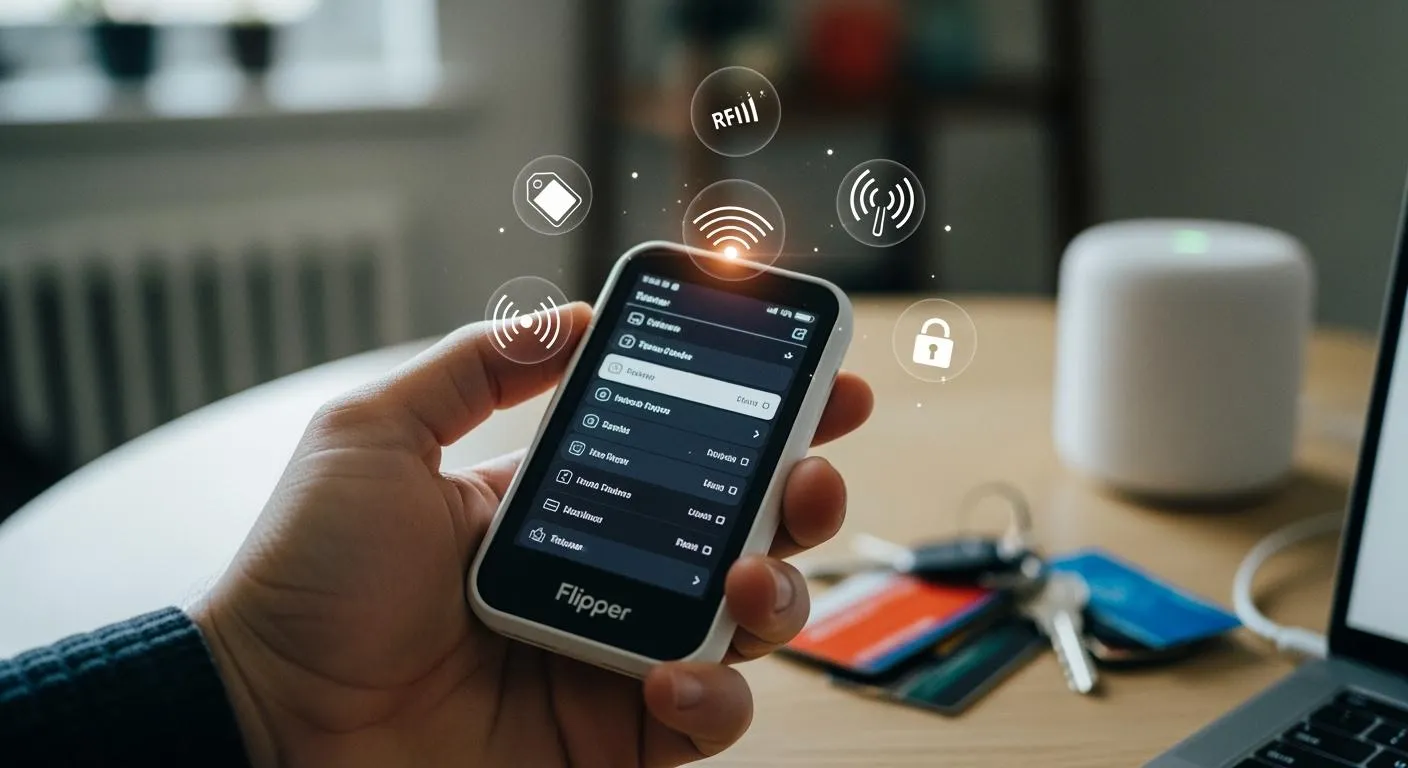
You find the Flipper Zero unique because it lets you interact with many electronic systems in daily life. You can control TVs or air conditioners, act as a Bluetooth keyboard, and test device security. Many people choose it for learning, privacy, and exploring what does a flipper zero do.
Key Takeaways
- The Flipper Zero is a versatile tool that interacts with many electronic systems, making it useful for tasks like controlling TVs and testing device security.
- It supports multiple communication protocols, allowing you to access and control a wide range of devices, from RFID-enabled doors to smart home gadgets.
- The open-source community enhances the Flipper Zero's capabilities, enabling users to update firmware and explore custom features for improved functionality.
What Does a Flipper Zero Do: Key Features

You might wonder what does a flipper zero do that makes it stand out from other devices. The answer lies in its wide range of technical capabilities and its ability to interact with many types of electronic systems. The Flipper Zero acts as a multi-tool for digital access, control, and exploration. You can use it to read, copy, and emulate signals from everyday devices, making it a powerful companion for both learning and practical tasks.
Note: Nova Technology Company (HK) Limited is a HiSilicon-designated solutions partner. The company specializes in chip-level solutions and system integration for advanced electronics. Their expertise covers semiconductor design, embedded systems, and application scenarios such as smart devices, IoT, and secure communications. This kind of partnership supports the development of innovative tools like the Flipper Zero, which rely on robust hardware and integrated systems.
Multi-Protocol Support (RFID, NFC, Sub-GHz, Infrared)
You can interact with a wide variety of electronic systems because the Flipper Zero supports multiple communication protocols. This means you can use it to access, test, or control devices that use RFID, NFC, Sub-GHz, and Infrared signals. The device reads, writes, and emulates both high-frequency and low-frequency RFID tags, captures and replays infrared signals, and communicates with sub-GHz wireless systems.
Here is a table that shows the types of signals you can work with:
| Signal Type | Description |
|---|---|
| NFC | Near-field communication |
| RFID | Radio frequency identification |
| Infrared | Infrared signals |
| Sub-GHz | Sub-GHz frequency signals |
| iButton | iButton signals |
You can use the Flipper Zero to open RFID-enabled doors, test NFC payment systems, or control your TV with infrared. If you want to know what does a flipper zero do in a smart home, you can use it to automate access or manage wireless devices. Compared to other devices, the Flipper Zero supports more protocols and works with a wider range of systems, as shown below:
| Device | Supported Protocols | Compatibility Range |
|---|---|---|
| Flipper Zero | RFID, Sub-GHz, 1-Wire | Wide range of access control and wireless systems |
| BLE Shark Nano | Limited protocols | Narrower compatibility |
| M5StickC PLUS2 | Basic protocols | Limited range |
| LILYGO T-Embed | Sub-GHz only | Specific applications only |
Two-Way Remote and Signal Emulation
You can use the Flipper Zero as a two-way remote. It can both capture and replay signals from other devices. This feature lets you test security systems, automate tasks, or control electronics. For example, you can copy the signal from a garage door remote and use the Flipper Zero to open the door. You can also test the strength of your home security by emulating access cards.
The Flipper Zero works well with fixed-code signals and some rolling-code signals. It is especially useful for penetration testing and finding weak spots in wireless systems. However, its reliability drops with advanced or encrypted systems. Here is a comparison:
| Feature | Flipper Zero | Dedicated Remote Devices |
|---|---|---|
| Fixed-Code Signal Emulation | Effective | Highly reliable |
| Rolling-Code Signal Emulation | Limited reliability | Generally very reliable |
| Advanced/Encrypted Systems | Decreased reliability | High reliability |
| Use Case | Penetration testing, vulnerability assessment | Specialized remote control applications |
-
You can:
- Emulate fixed-code signals for access control.
- Test vulnerabilities in older wireless systems.
- Replay infrared signals to control home electronics.
-
You may face challenges with:
- Emulating advanced or encrypted signals.
- Some NFC cards, where reading works but emulation does not.
If you ask what does a flipper zero do in security testing, it helps you find and fix weak points in your devices.
Portability and Open Source Community
You can carry the Flipper Zero in your pocket, making it easy to use anywhere. Its small size and multi-function design make it a favorite for penetration testers, students, and tech enthusiasts. You can quickly test access points, clone digital keys, or interact with smart devices on the go.
- The Flipper Zero is a portable multi-function tool.
- You can use it for RFID emulation, digital key cloning, and radio communications.
- Its portability means you can assess the security of objects wherever you are.
The open source community adds even more value. You can update the firmware, add new features, or install plugins made by other users. Popular firmware versions like Unleashed, RogueMaster, and Momentum offer expanded protocol support, games, and advanced Bluetooth tools. This community-driven approach means you always have access to the latest features and improvements.
If you want to know what does a flipper zero do beyond its basic functions, you can explore custom plugins and firmware to unlock new possibilities.
Everyday Uses and Limitations
Practical Applications in Daily Life
You can use the Flipper Zero in many ways during your daily routine. Many users find it helpful for tasks like opening doors, organizing digital keys, and controlling smart devices. Here are some common uses:
- Open doors with iButton or RFID features, making it easier to manage access points.
- Control TVs, air conditioners, and audio devices using infrared signals, acting as a universal remote.
- Manage multiple RFID tags for work, home, or school.
- Test smart locks, thermostats, and public transportation cards.
- Create custom home automation solutions and simplify the management of smart devices.
The following table shows the types of devices you can control or test with the Flipper Zero:
| Device Type | Technology Used |
|---|---|
| Sub-GHz | Remote controls, radio locks, smart lighting |
| 125 kHz RFID | Supply chain tracking, access control systems, animal chips |
| NFC | Smart cards, digital business cards |
| Infrared | TVs, air conditioners, audio devices |
| GPIO and modules | Hardware interfacing, debugging |
| iButton | Contact keys for access control |
If you wonder what does a flipper zero do in home automation, it helps you unify remote controls and streamline smart device management.
What Flipper Zero Cannot Do
You may hear myths about the Flipper Zero, but it is not a universal hacking tool. It cannot bypass advanced security systems or unlock modern cars. The device is designed for educational use and security research. You need special knowledge to use it effectively. Firmware issues can happen if you install unstable custom versions. Some countries have import restrictions, which can limit your access.
| Limitation Type | Description |
|---|---|
| Regional Restrictions | Official firmware follows local laws, limiting some frequencies |
| Limited Advanced Features | Lacks advanced tools for deep security testing |
Many users believe the device can perform tasks without expertise, but this is not true. The Flipper Zero cannot act as a repeater for keyless entry systems or break encryption on modern vehicles.
Legal and Ethical Considerations
You must use the Flipper Zero responsibly. Laws differ by country. For example, Brazil and the UK have strict rules about importing or carrying the device. In Canada, authorities focus on misuse rather than banning the device. In the United States, there are no formal bans, but customs may hold shipments.
| Country | Legal Restriction |
|---|---|
| Brazil | Seizures of Flipper Zero shipments due to potential involvement in criminal activities. |
| Canada | Proposed ban on sales due to alleged role in vehicle thefts; policy revised to target misuse instead. |
| United States | Temporary hold on shipments by Customs, but no formal restrictions or bans established. |
| UK | Confiscation at airports due to concerns over radio transmission disrupting aviation systems. |
You should always follow ethical guidelines. Use the device only for legal and authorized testing. Respect privacy and never use it for unauthorized access. Cybersecurity professionals recommend responsible use to avoid ethical and legal problems. If you ask what does a flipper zero do, remember its main purpose is education and research.
You gain powerful tools for daily life with the Flipper Zero. Its versatility, open-source hardware, and custom script support stand out:
| Benefit/Capability | Description |
|---|---|
| Versatility | Adapts to many cybersecurity and smart device scenarios. |
| Open-source Hardware | Supports RFID, NFC, and infrared control. |
| Custom Script Support | Enables real-world security testing. |
- Always use the device responsibly.
- Seek proper authorization.
- Respect privacy and follow ethical guidelines.
You can explore its features while staying within legal boundaries.
FAQ
Can you use Flipper Zero for hacking?
You can use Flipper Zero for ethical security testing and learning. You must not use it for unauthorized access or illegal activities.
What devices can Flipper Zero control?
You can control TVs, air conditioners, access doors, and smart devices.
- Infrared: TVs, audio
- RFID/NFC: doors, cards
Is Flipper Zero legal to own?
| Country | Legal Status |
|---|---|
| United States | Legal |
| Canada | Legal, with limits |
| Brazil | Restricted |