

USB Flash Drives26 Products
| Image | Part Number | Manufacturer | Description | Actions | |
|---|---|---|---|---|---|
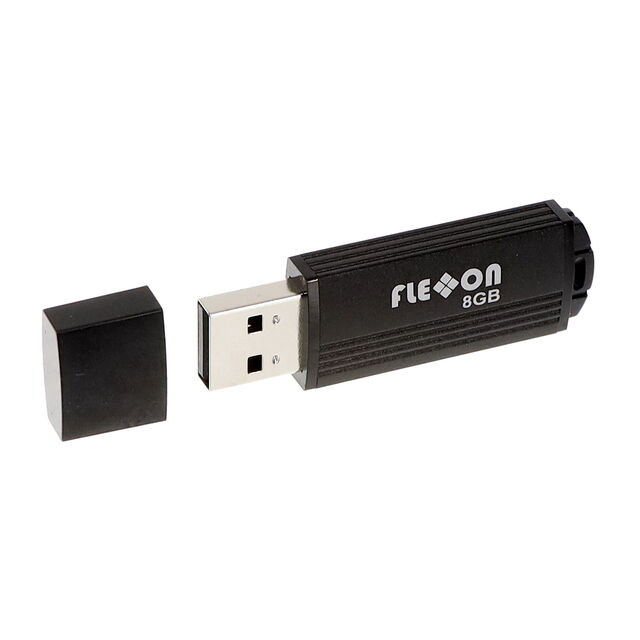 PDF | FUUP008GME-XR00 | Flexxon Pte Ltd | USB FLASH DRIVE 8GB MLC USB 2.0 | MOQ: 1 Hover to quote | |
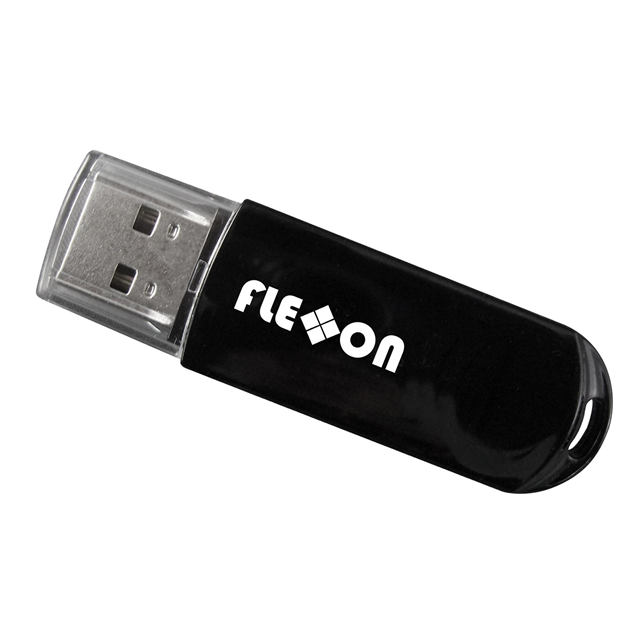 | FUUP128G-U3F | Flexxon Pte Ltd | USB FLASH DRIVE 128GB USB 3.1 | MOQ: 1 Hover to quote | |
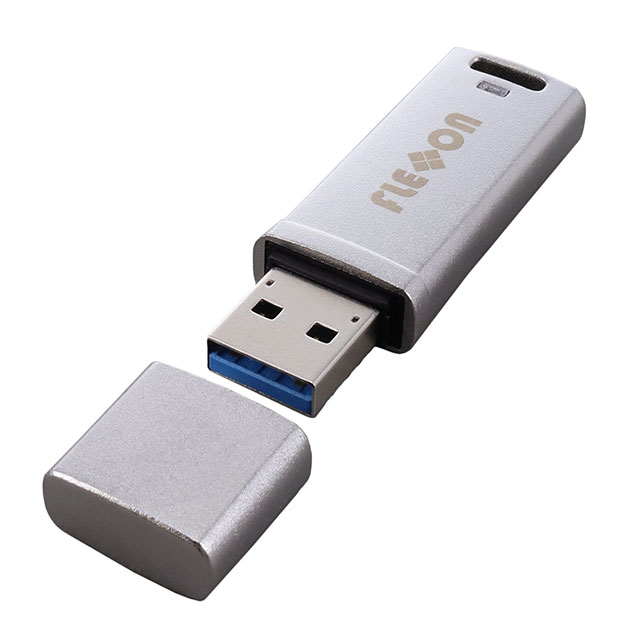 | FUUP512GBE-1100 | Flexxon Pte Ltd | USB FLASH DRVE 512GB TLC 2.0/3.0 | MOQ: 1 Hover to quote | |
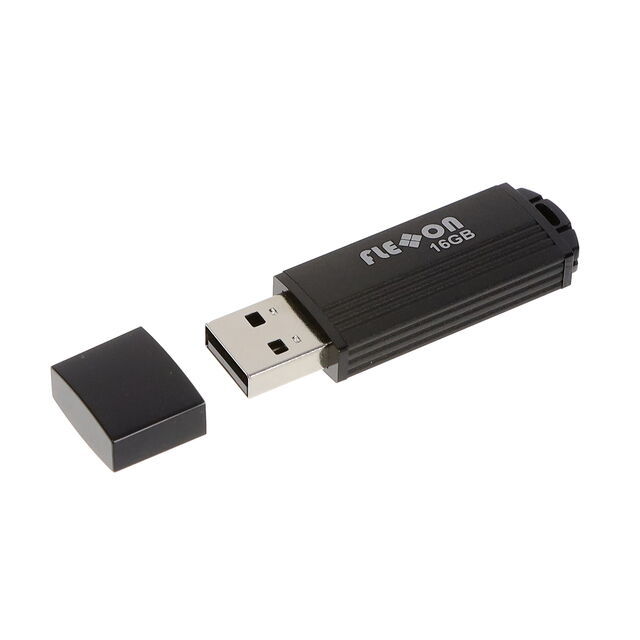 | FUUP016GME-XR00 | Flexxon Pte Ltd | USB FLASH DRIVE 16GB MLC USB 2.0 | MOQ: 10 Hover to quote | |
| FUUP016G-U3F | Flexxon Pte Ltd | USB FLASH DRIVE 16GB USB 3.1 | MOQ: 1 Hover to quote | |
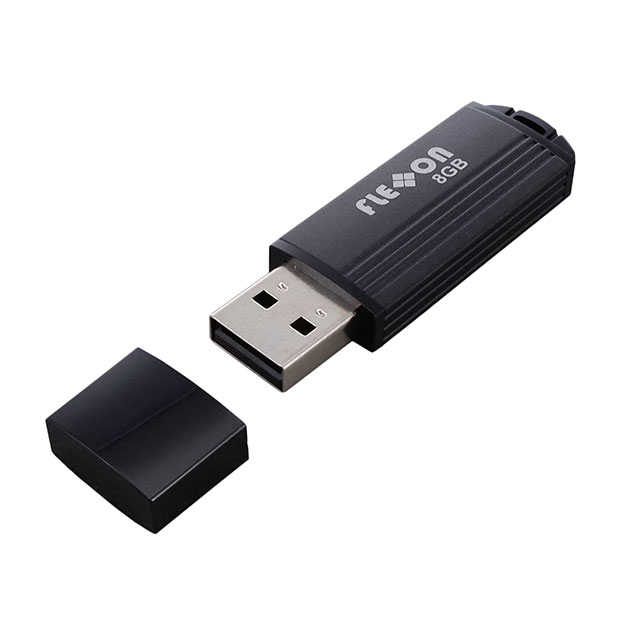 | FUUP008GME-XE00 | Flexxon Pte Ltd | USB FLASH DRIVE 8GB MLC USB 2.0 | MOQ: 1 Hover to quote | |
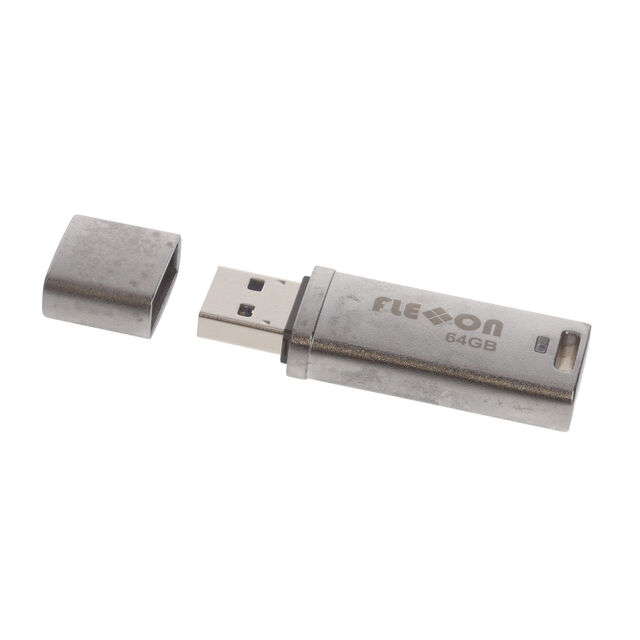 | FUUP064GTTE7-033-10 | Flexxon Pte Ltd | USB FLASH DRV 64GB MLC 2.0/3.0 | MOQ: 1 Hover to quote | |
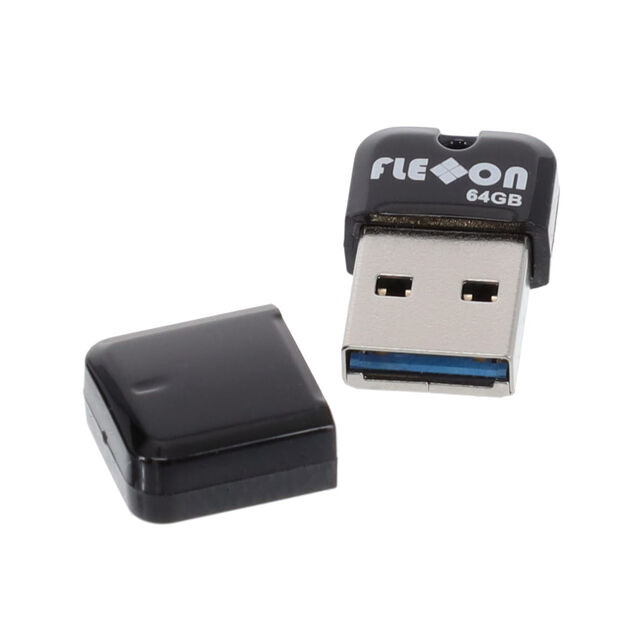 | FUUP064GBC-190A | Flexxon Pte Ltd | USB FLASH DRIVE 64GB TLC USB 3.2 | MOQ: 1 Hover to quote | |
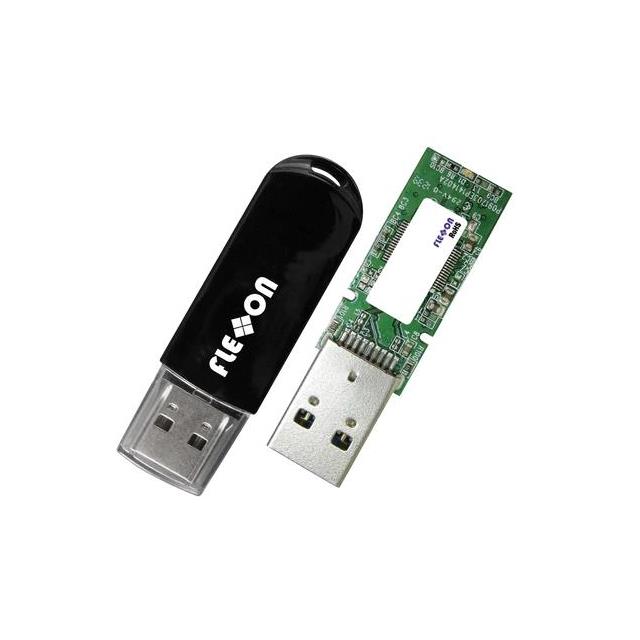 | FUUP032GBC-7000 | Flexxon Pte Ltd | USB FLASH DRIVE 32GB TLC USB 2.0 | MOQ: 1 Hover to quote | |
| FUUP064G-U3F | Flexxon Pte Ltd | USB FLASH DRIVE 64GB USB 3.1 | MOQ: 1 Hover to quote | |
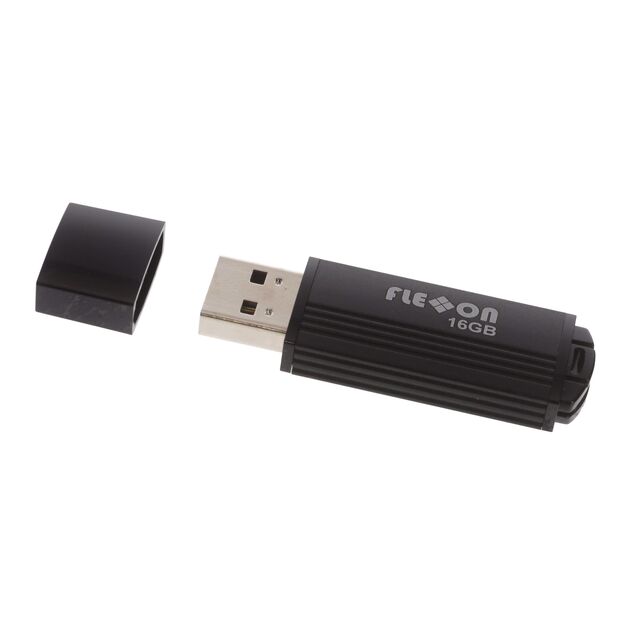 | FUUP016GME-XS00 | Flexxon Pte Ltd | USB FLASH DRIVE 16GB MLC USB 2.0 | MOQ: 1 Hover to quote | |
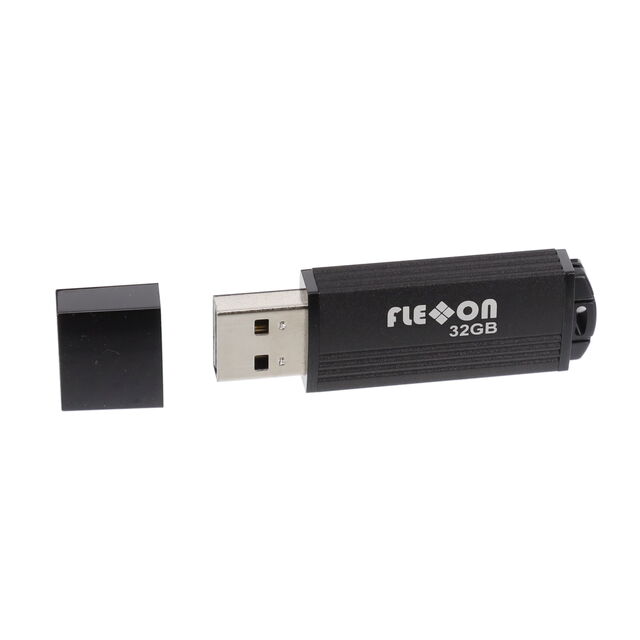 | FUUP032GME-XE00 | Flexxon Pte Ltd | USB FLASH DRIVE 32GB MLC USB 2.0 | MOQ: 1 Hover to quote | |
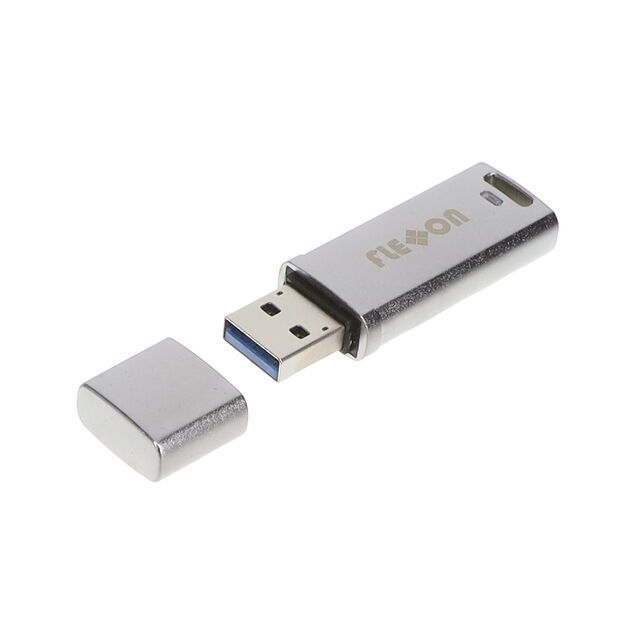 | FUUP256GBE-1100 | Flexxon Pte Ltd | USB FLASH DRVE 256GB TLC 2.0/3.0 | MOQ: 1 Hover to quote | |
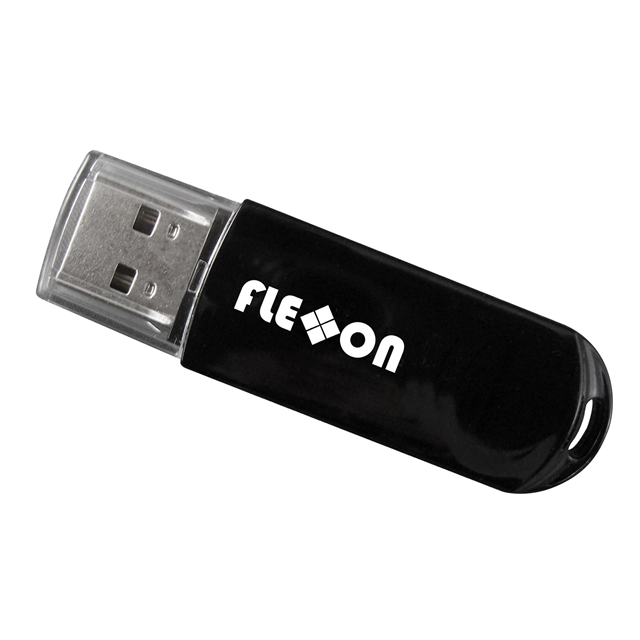 PDF | FUUP032GMC-6800 | Flexxon Pte Ltd | USB FLASH DRIVE 32GB MLC USB 2.0 | MOQ: 10 Hover to quote | |
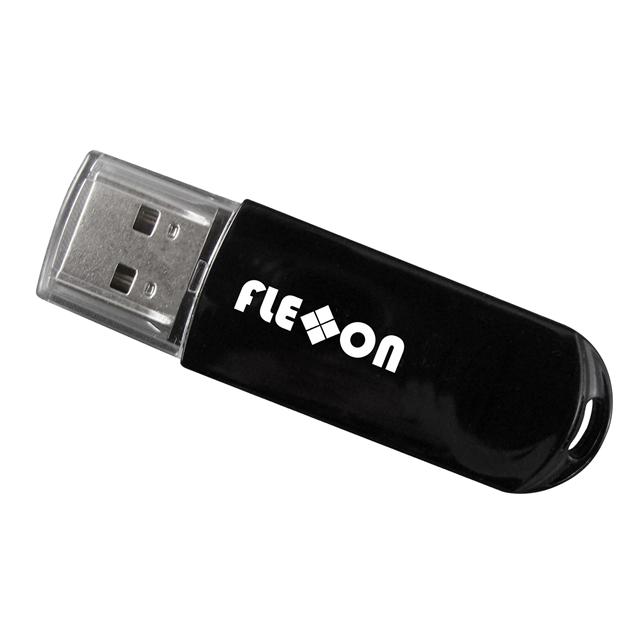 | FUUP001GSE-0300 | Flexxon Pte Ltd | USB FLASH DRIVE 1GB SLC USB 3.0 | MOQ: 1 Hover to quote | |
 | FUUP016GBC-110C | Flexxon Pte Ltd | USB PEN DRIVE 16GB | MOQ: 2 Hover to quote | |
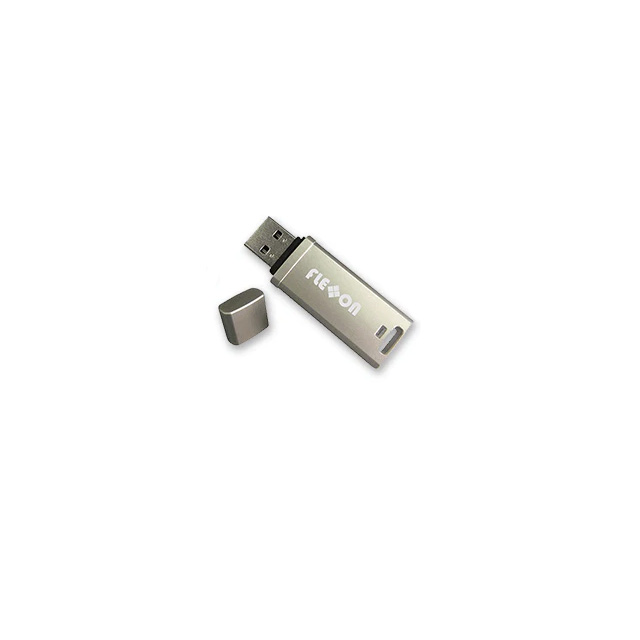 PDF | FUUP032GBE-1100 | Flexxon Pte Ltd | USB FLASH DRV 32GB TLC 2.0/3.0 | MOQ: 1 Hover to quote | |
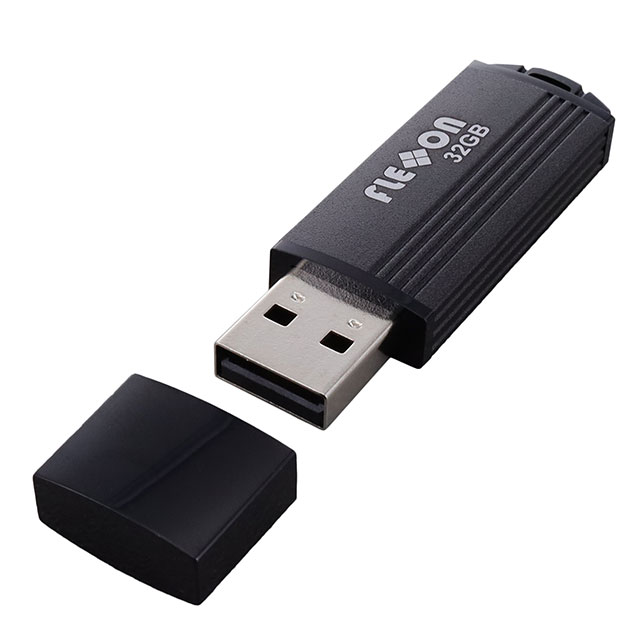 | FUUP032GME-XR00 | Flexxon Pte Ltd | USB FLASH DRIVE 32GB MLC USB 2.0 | MOQ: 1 Hover to quote | |
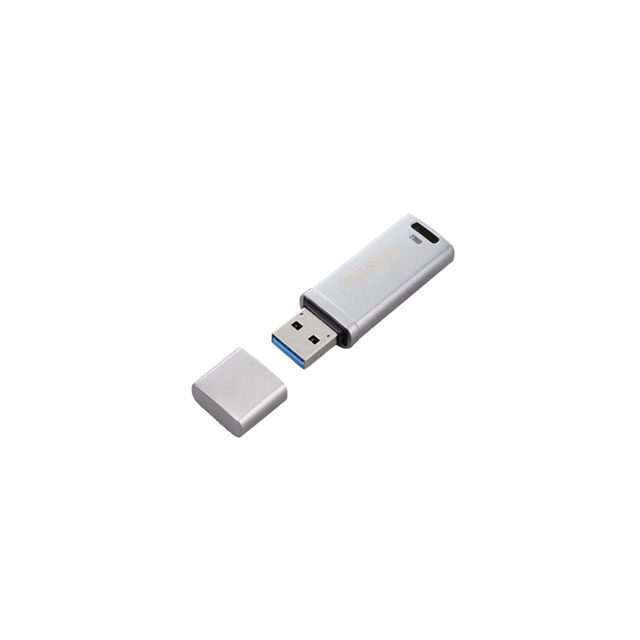 PDF | FUUP008GME-U200 | Flexxon Pte Ltd | USB FLASH DRIVE 8GB MLC USB 3.0 | MOQ: 1 Hover to quote | |
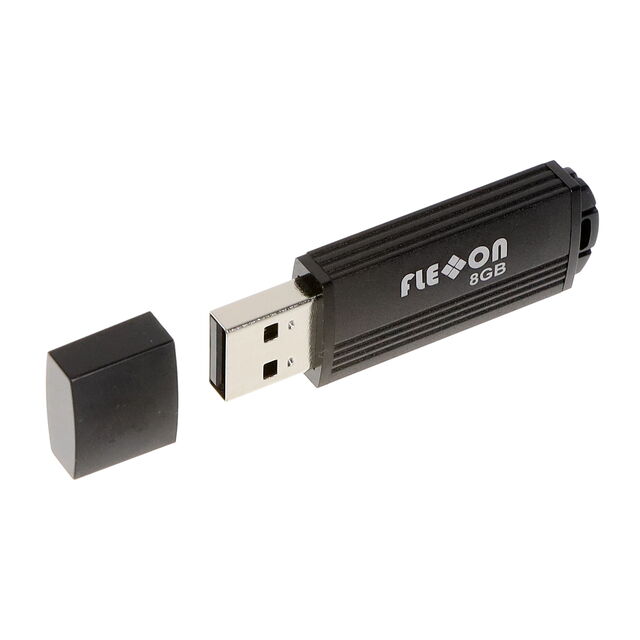 | FUUP008GME-XS00 | Flexxon Pte Ltd | USB FLASH DRIVE 8GB MLC USB 2.0 | MOQ: 1 Hover to quote |
When choosing a USB flash drive (thumb drive), it is important to consider factors like storage capacity, transfer speed, durability, and compatibility. Modern USB flash drives offer capacities into the TB’s, making them suitable for storing large files, high-resolution images, videos, and software. One of the most critical aspects to evaluate is the USB standard, which determines the transfer speed and overall performance. USB 2.0, USB 3.0, and USB 3.2 are the most common standards, each offering different levels of data transfer speed. USB 2.0, the older standard, provides a maximum theoretical speed of 480 Mbps (Megabits per second), making it suitable for basic file storage but slower for transferring large files. USB 3.0, introduced to improve performance, delivers speeds up to 5 Gbps (Gigabits per second)—over ten times faster than USB 2.0—allowing for quick file transfers and improved efficiency. The latest USB 3.2 standard further enhances performance, offering speeds up to 20 Gbps, depending on the version, making it ideal for high-speed data transfer, professional applications, and large multimedia files. Another important consideration is the connector type. Most traditional USB flash drives use a USB Type-A connector, the standard rectangular port found on many laptops, desktops, and gaming consoles. However, newer devices are increasingly adopting USB Type-C, which offers a reversible design and higher data transfer speeds. Some high-end USB flash drives feature dual connectors with both Type-A and Type-C, ensuring broader compatibility across different devices. Ultimately, the choice between USB 2.0, USB 3.0, and USB 3.2 depends on the intended use. For basic file storage and occasional transfers, a USB 2.0 thumb drive may be sufficient. However, for fast and efficient data transfers, large file storage, and professional applications, a USB 3.2 drive is the best option due to its superior transfer speed and performance. Additionally, those working with video editing, software development, or high-resolution media files should prioritize USB 3.2 to maximize efficiency. By selecting a flash drive with the right combination of speed, storage capacity, and compatibility, users can ensure seamless and reliable data management across multiple devices.